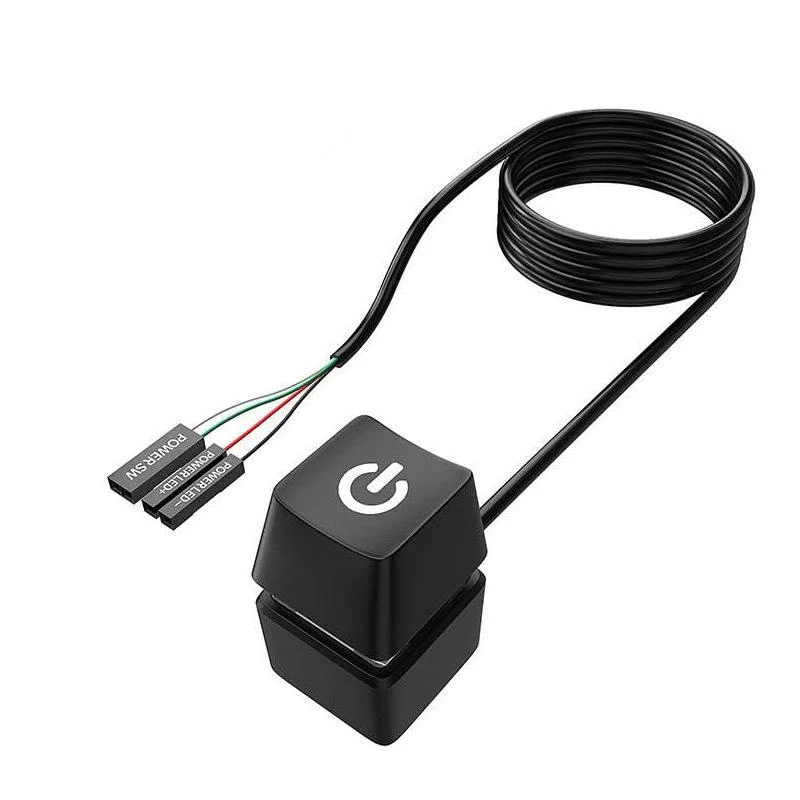
NNBILI Desktop Power Switch with Extension Cable
Overview:
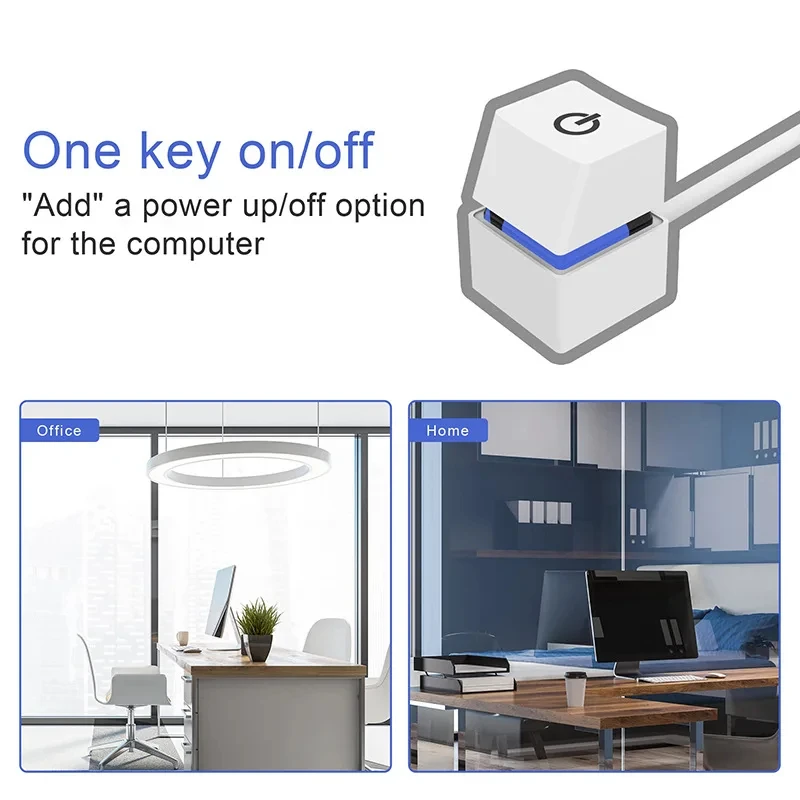
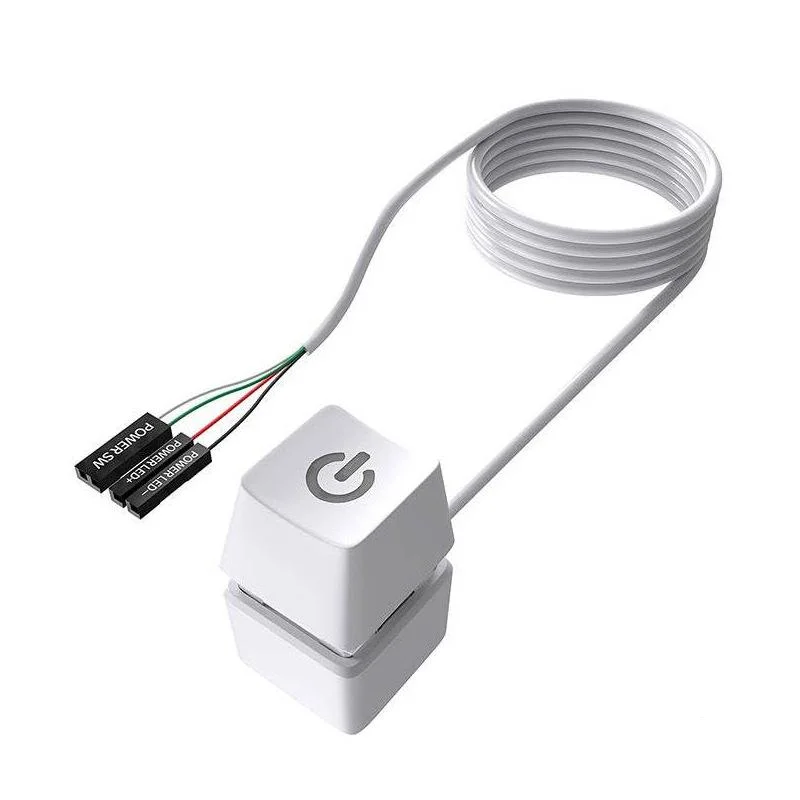
The NNBILI Computer Desktop Power Switch features a 2-meter extension cable and an LED indicator, providing an external start/on-off button for PC motherboards. Ideal for home and office use, it allows convenient power control without needing to access the PC case directly.
Key Features:
-
External Power Button: Easily power your desktop on or off.
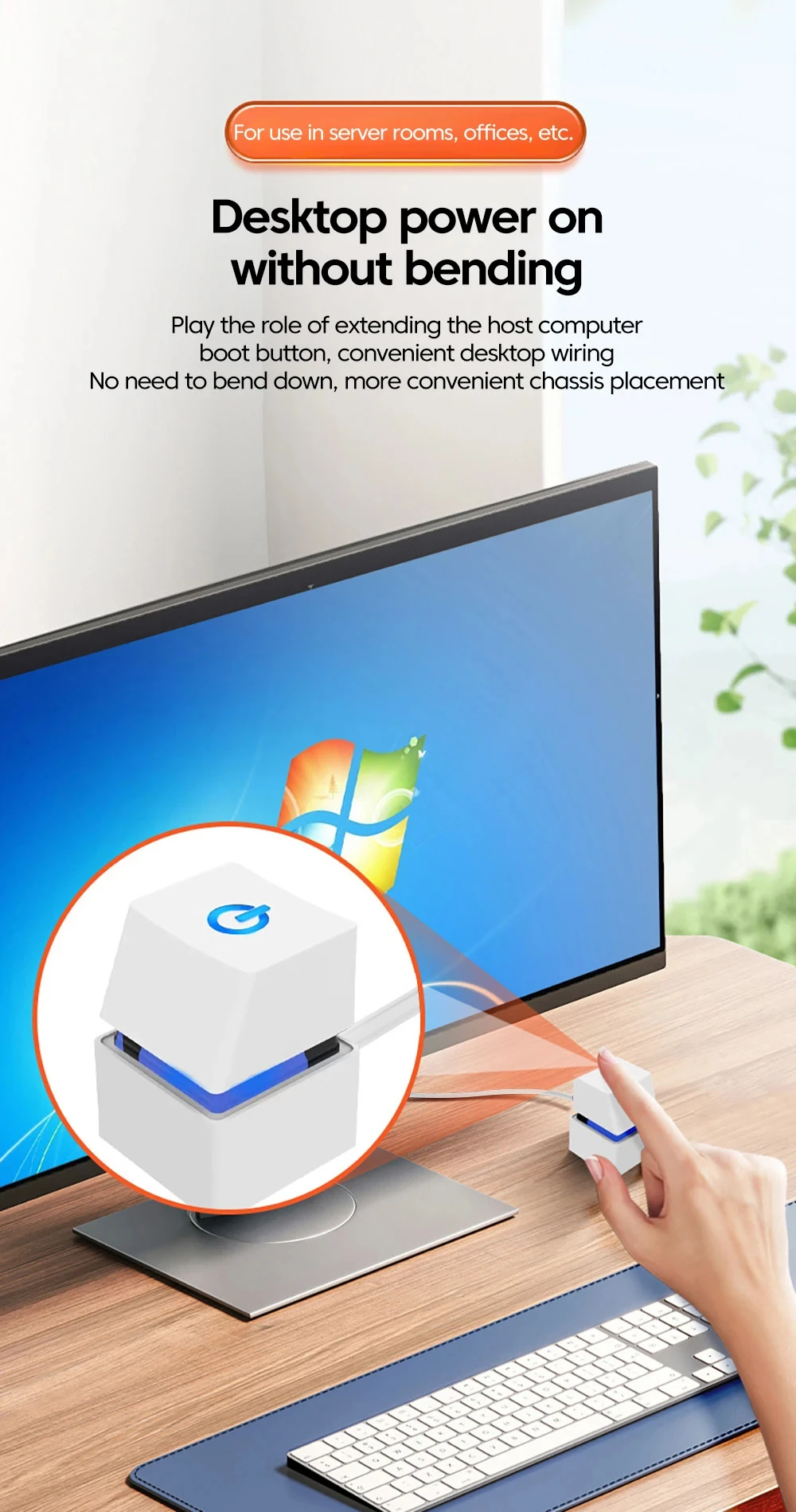
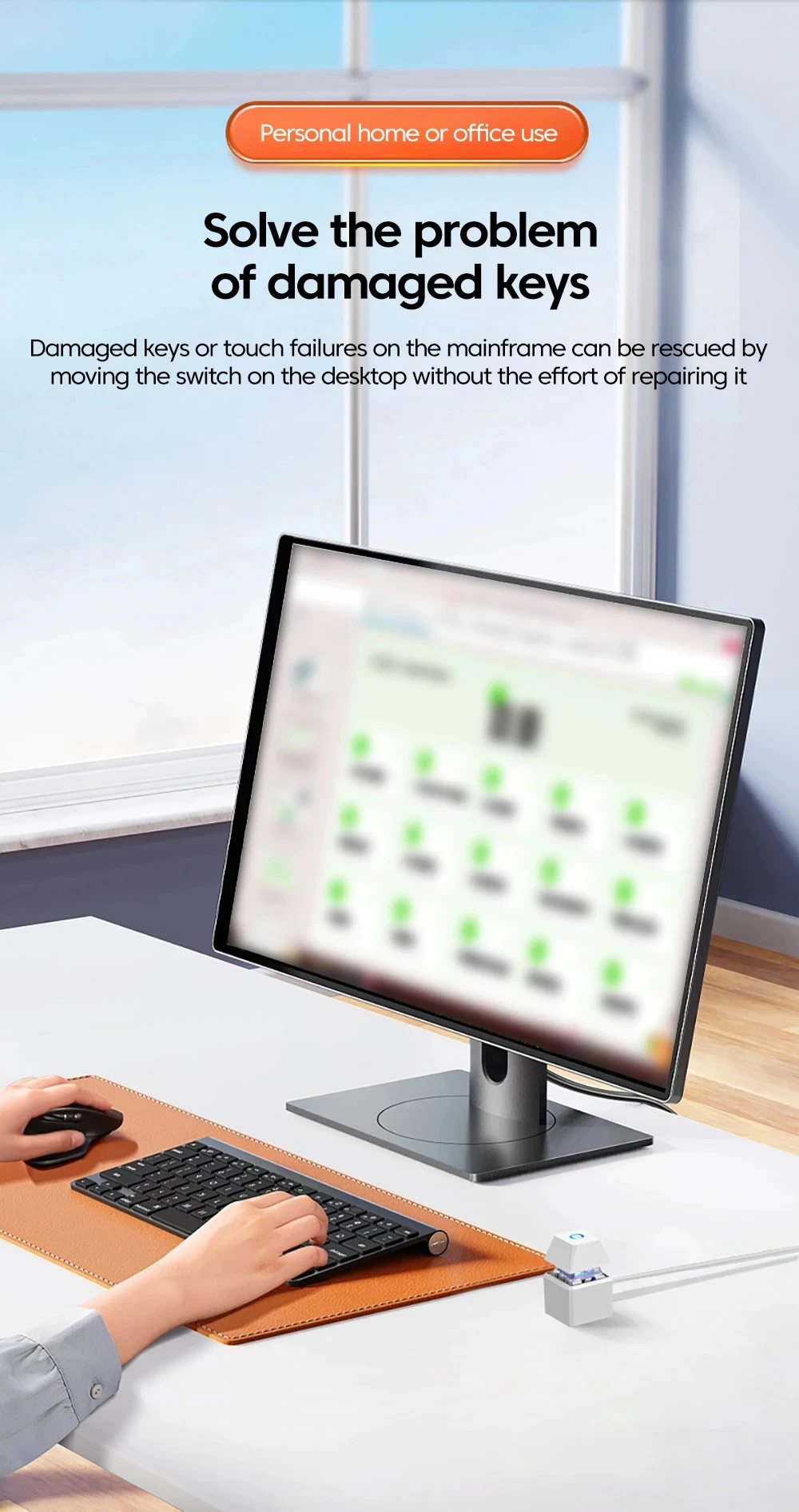
-
2m Extension Cable: Flexible placement away from the PC case.
-
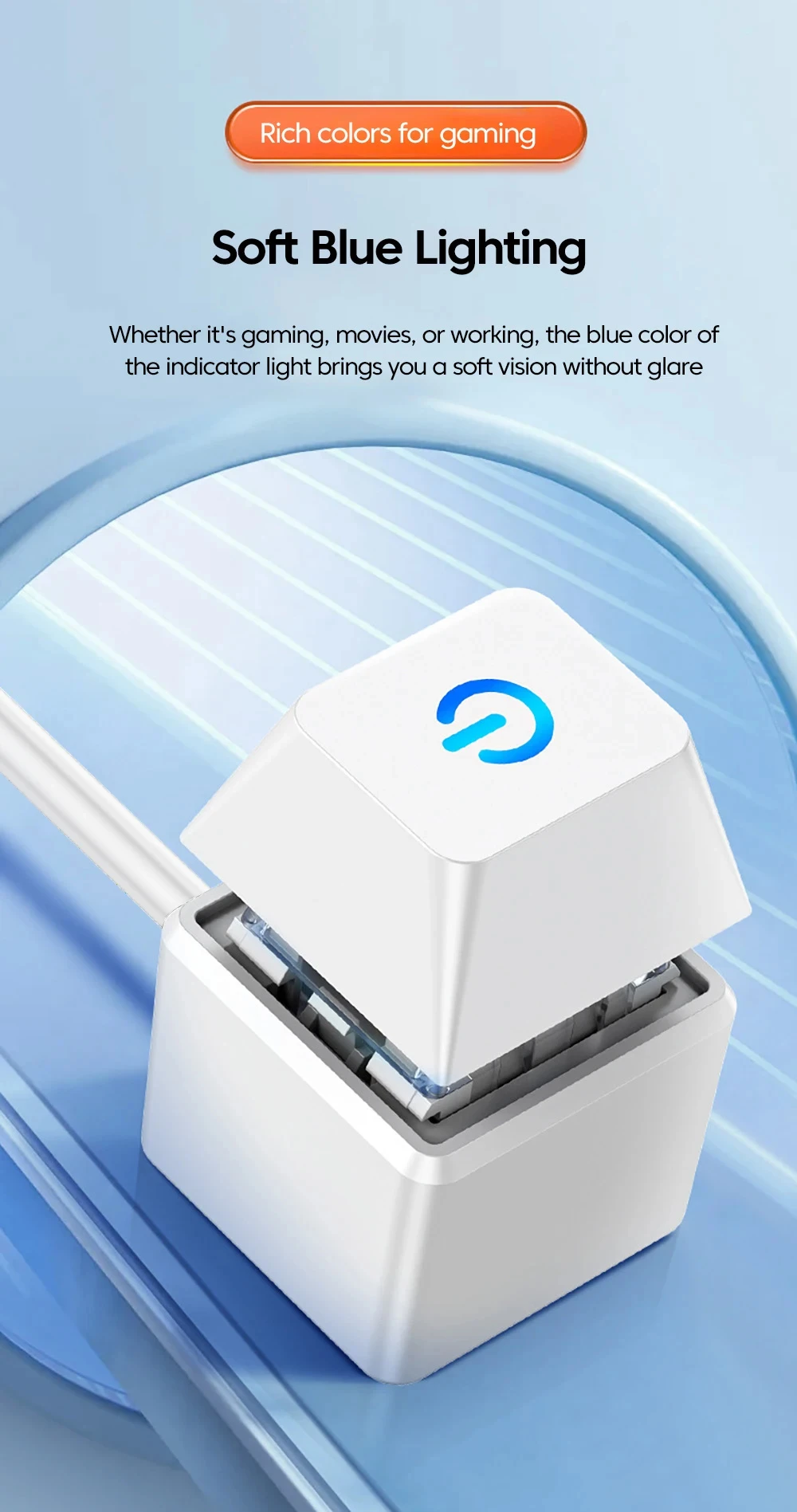
LED Indicator: Displays power status clearly.
-
Compatible with PC Motherboards: Works with standard desktop setups.
-
Compact and Durable: Simple design for long-lasting use.
Benefits:
-
Enhances convenience by allowing easy access to power controls.
-
LED light provides visual confirmation of power status.
-
Flexible cable length supports customized button placement.
-
Suitable for home offices, gaming rigs, and professional workstations.
-
Easy installation with standard motherboard connectors.
Additional Information:
Perfect for users who want easier access to their PC’s power controls, the NNBILI desktop power switch with extension cable combines practicality, flexibility, and clear power status indication in a compact design.
1. Product Name: Computer External Switch
2. Cable length: 2 meters. This cable is used for PC power control, making it easier for you to restart your computer in difficult places and bringing you more convenience.
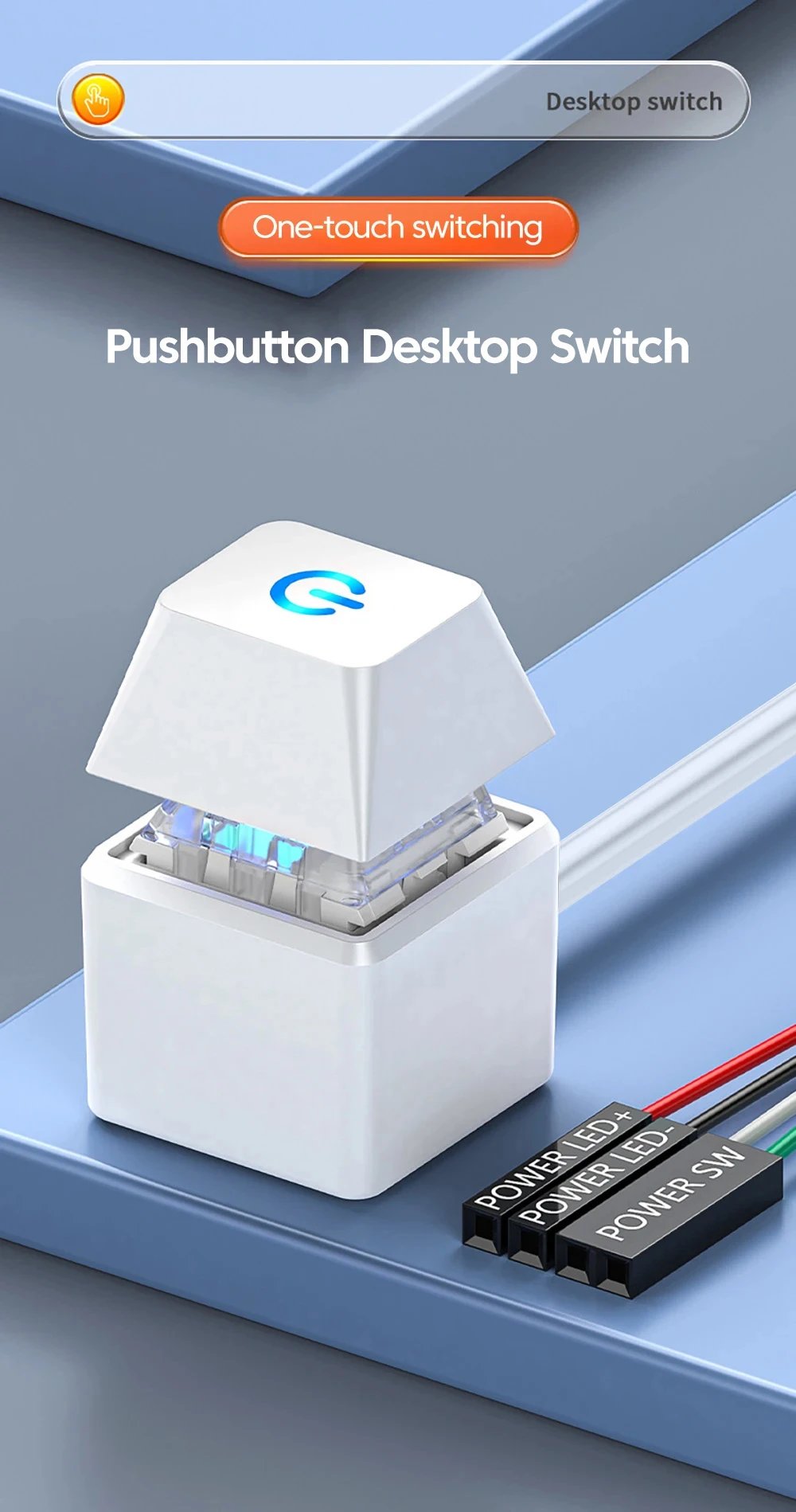
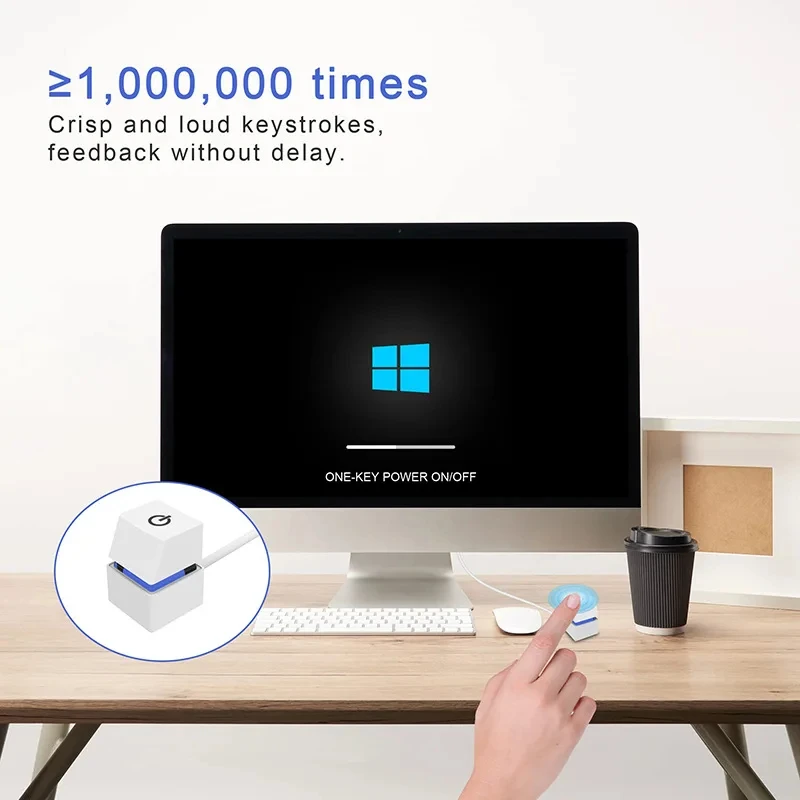
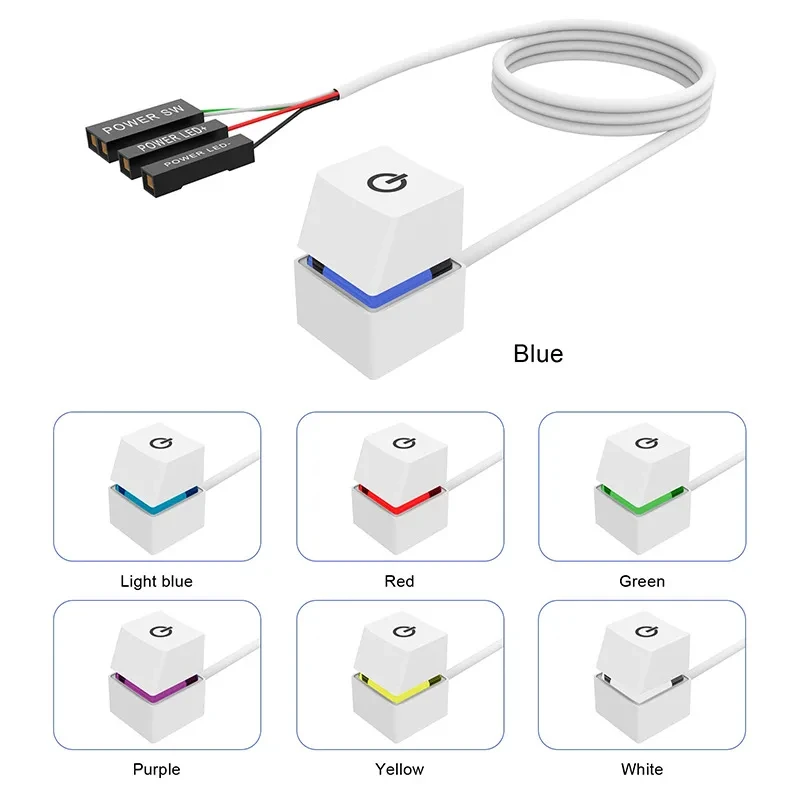
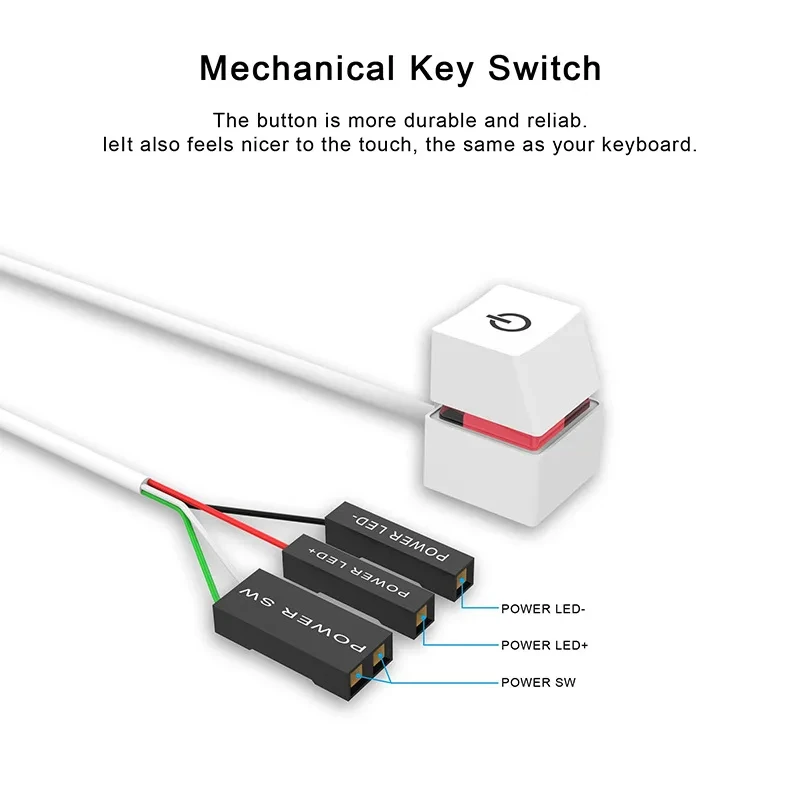
3. Mechanical switch and LED light: The mechanical switch and power on/off button are the same, providing different power control experiences.
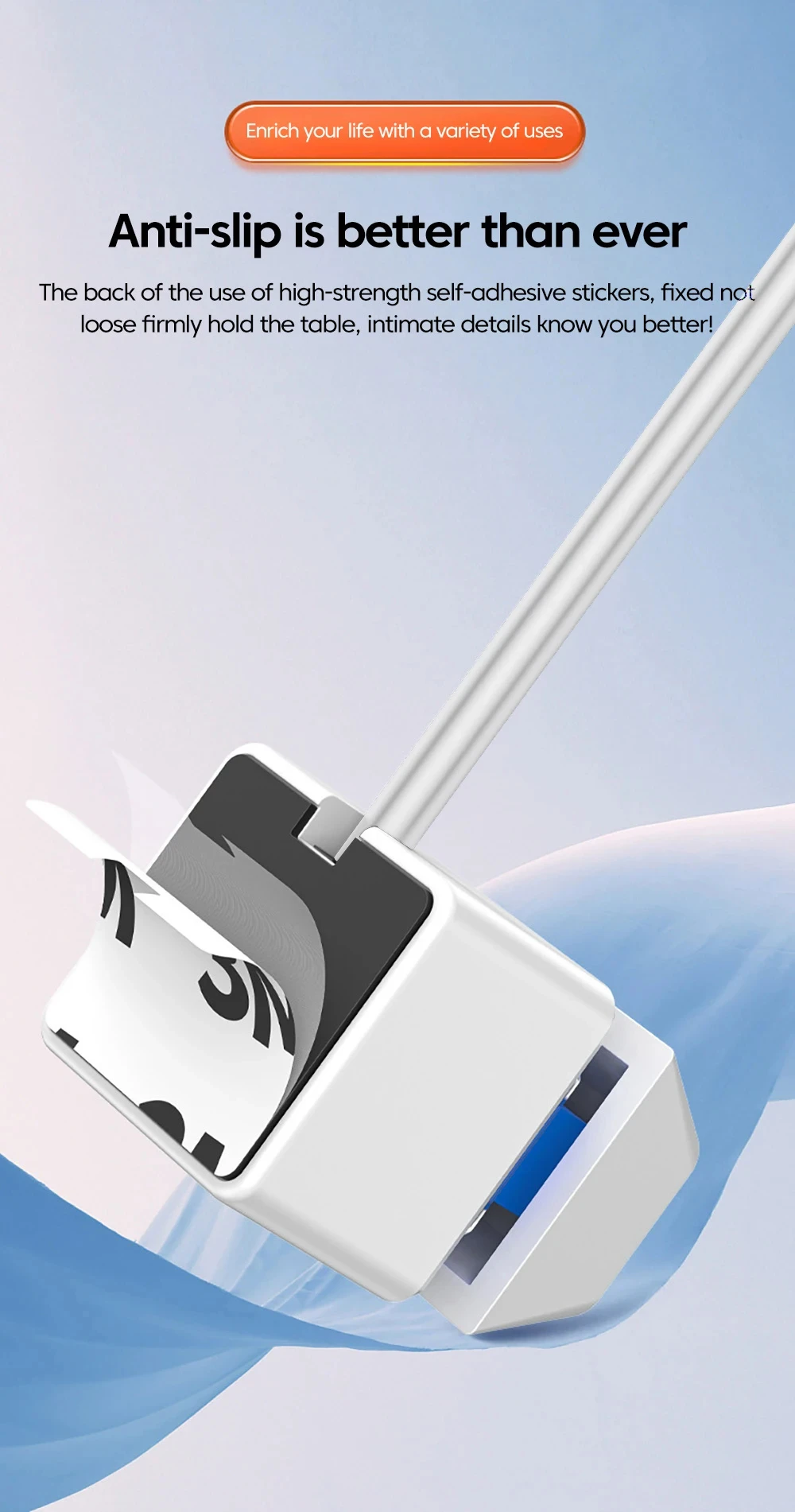
4. Compact and portable: Net weight less than 60 grams, suitable for homes, offices, hotels, internet cafes and other places. There is a high-strength adhesive paper at the bottom, which can be easily and quickly installed by simply removing and connecting it to the desktop, ensuring that it can be fixed on the desktop.
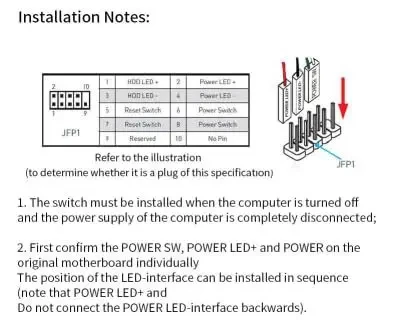
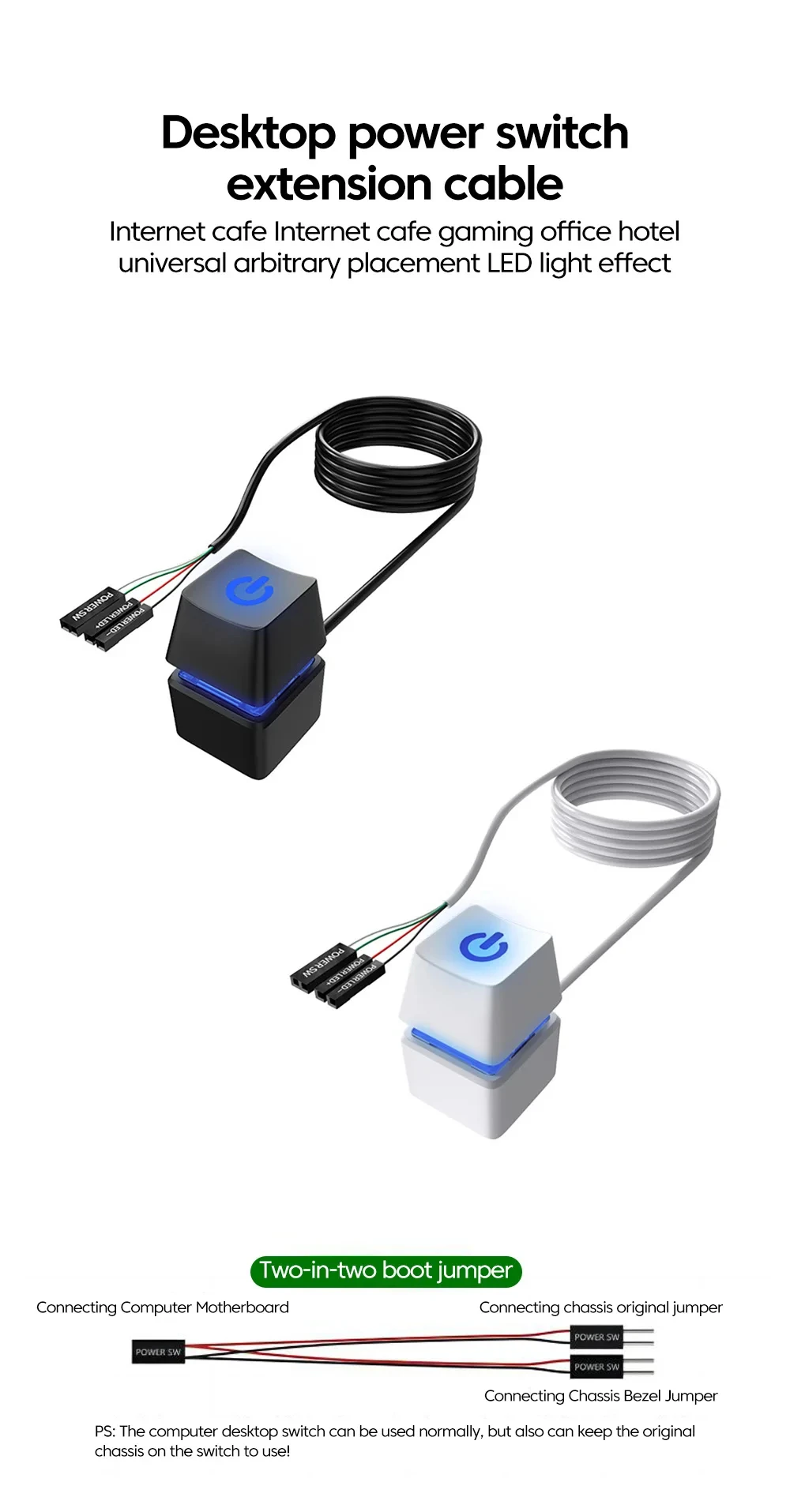
5. Easy to use: When installing, first confirm the positions of the power SW, power LED+, and power LED - interfaces on the motherboard, and then install the four wires onto the interfaces.
6. Desktop computer on/off mode: Expand or extend the power button of the computer for office or home use, and move the power button of the desktop computer to a convenient location for operation and use.