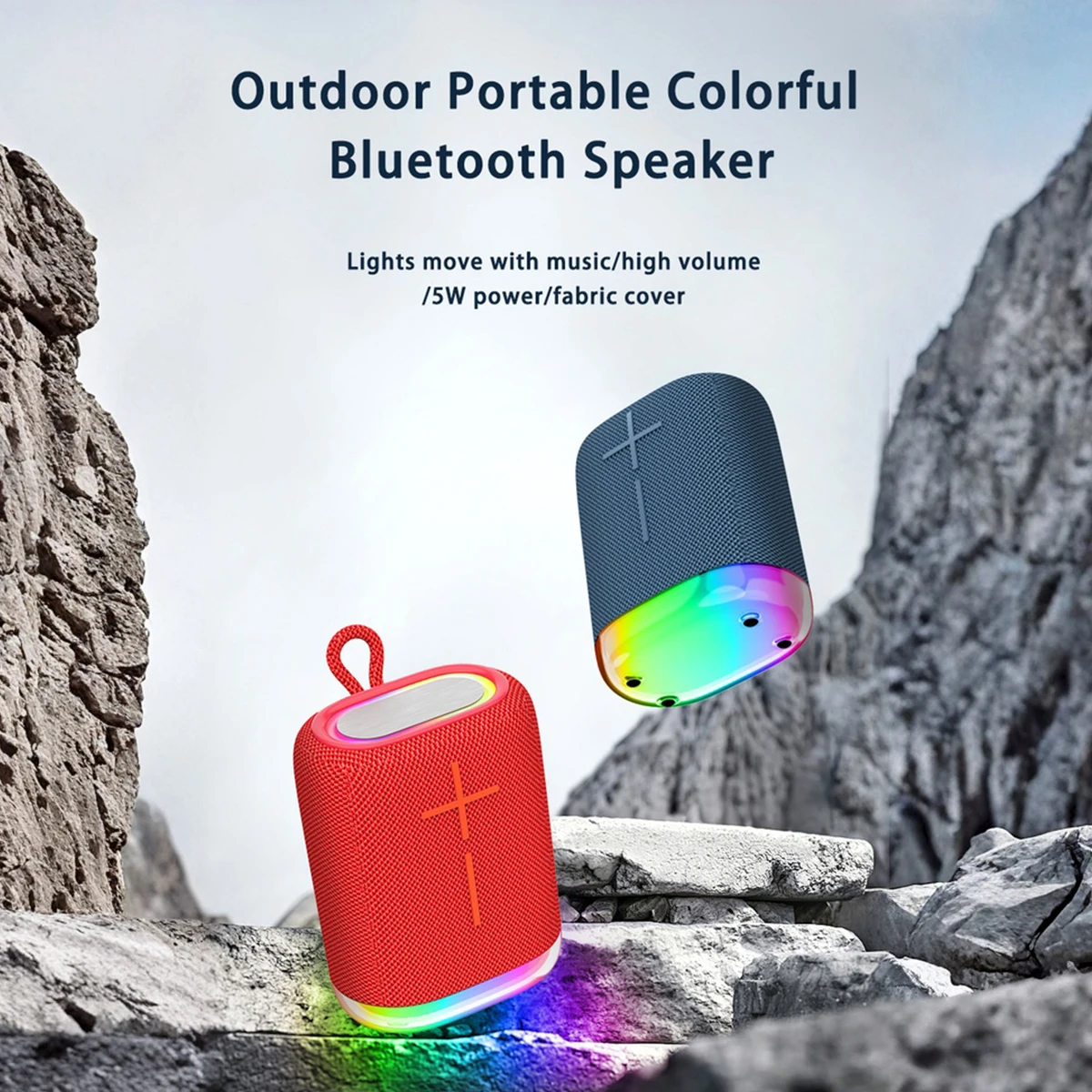
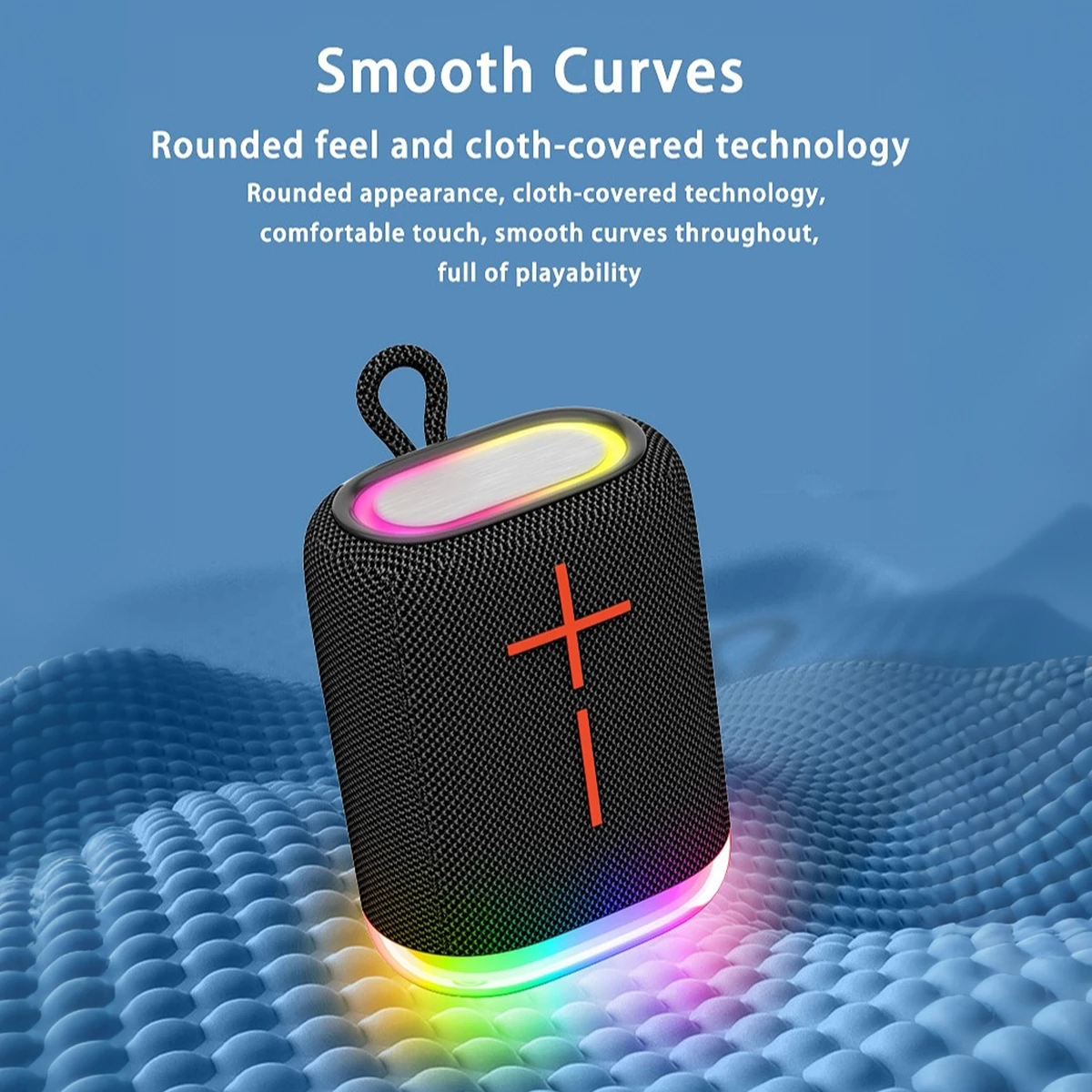
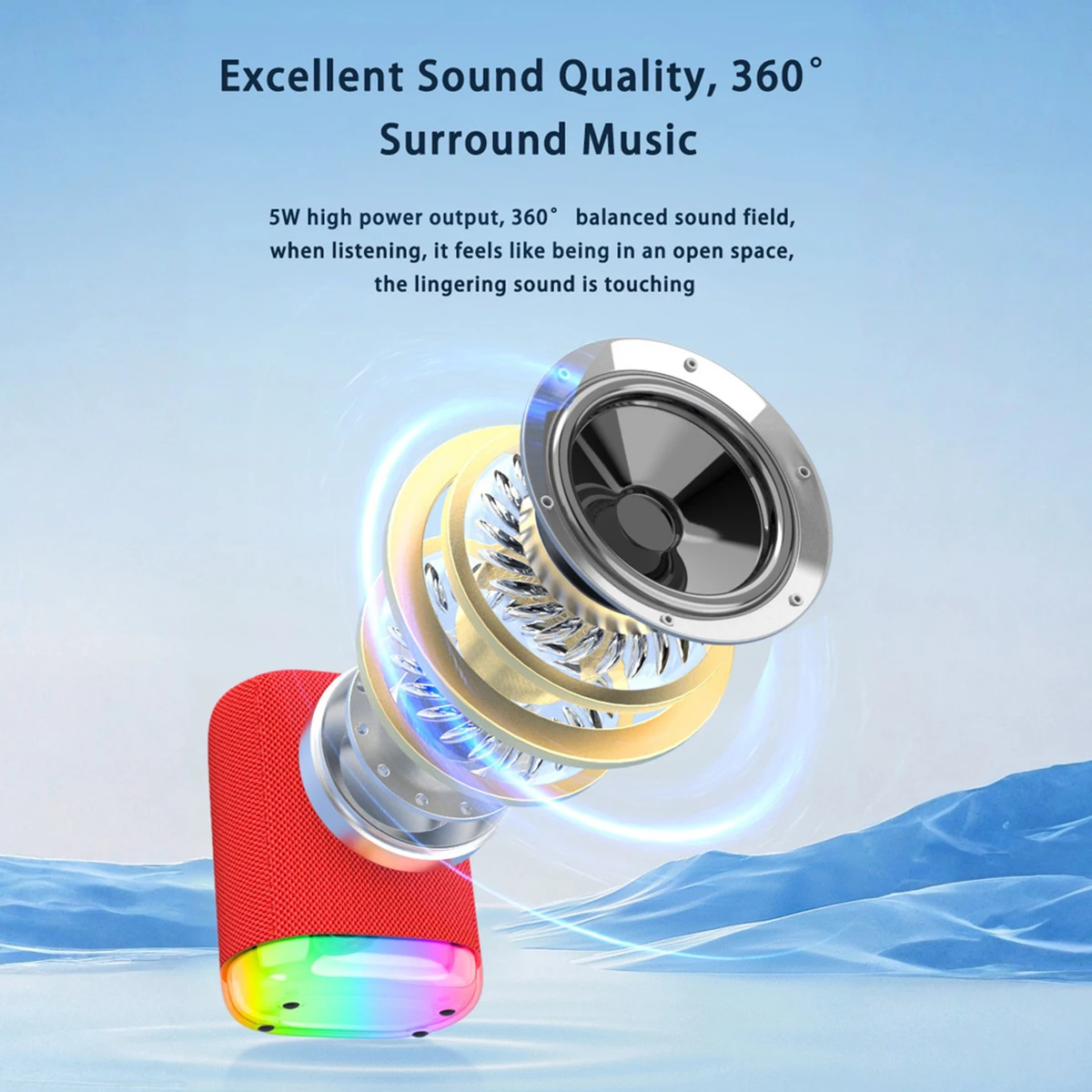
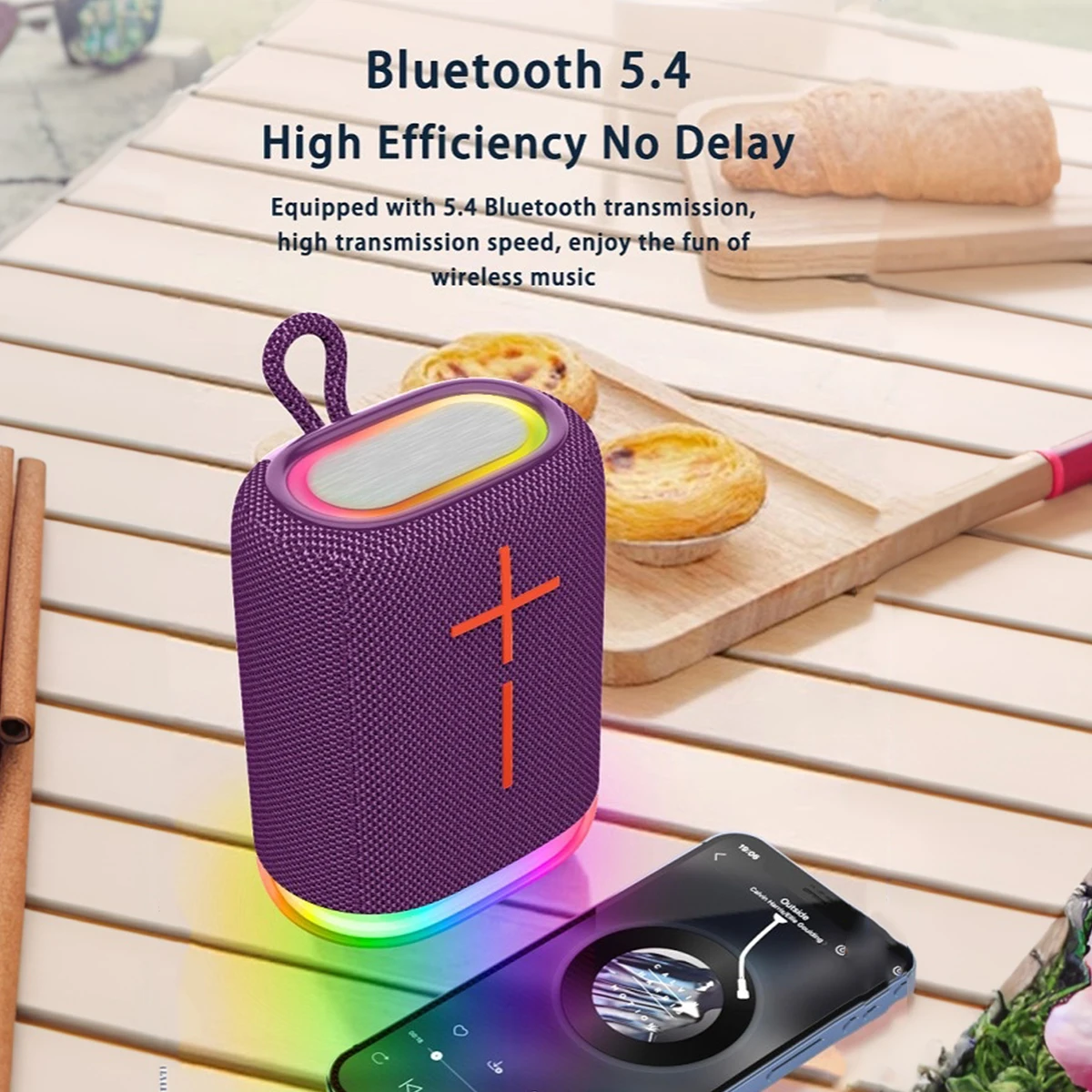
SAINTLARK S22 Portable Bluetooth Voice Amplifier
Overview:
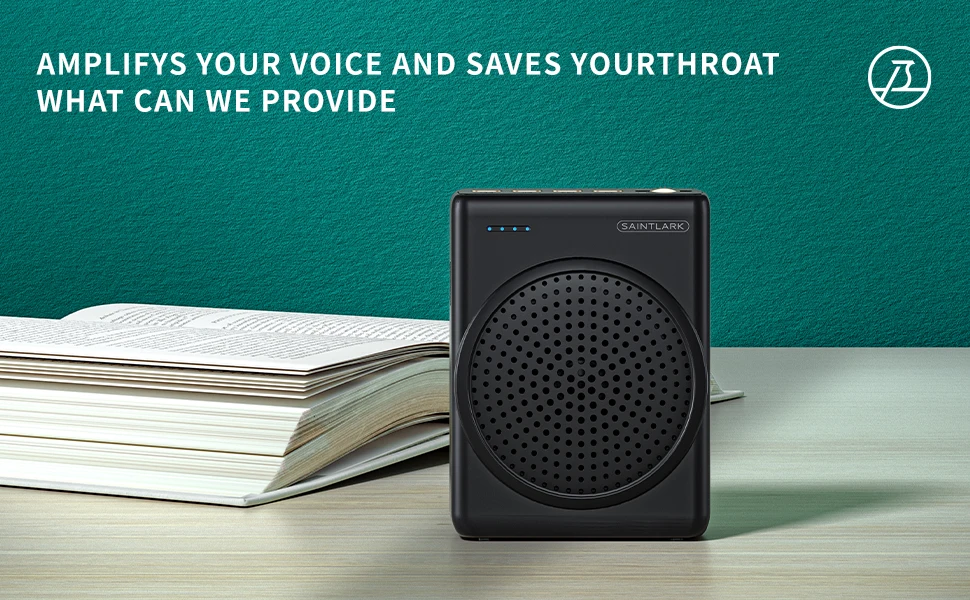
Enhance your voice projection with the SAINTLARK S22 Bluetooth Voice Amplifier. Perfect for teaching, lectures, tours, and promotions, this portable megaphone features Bluetooth connectivity, U-disk support, and a microphone for clear, amplified sound anytime, anywhere.
Key Features:
-
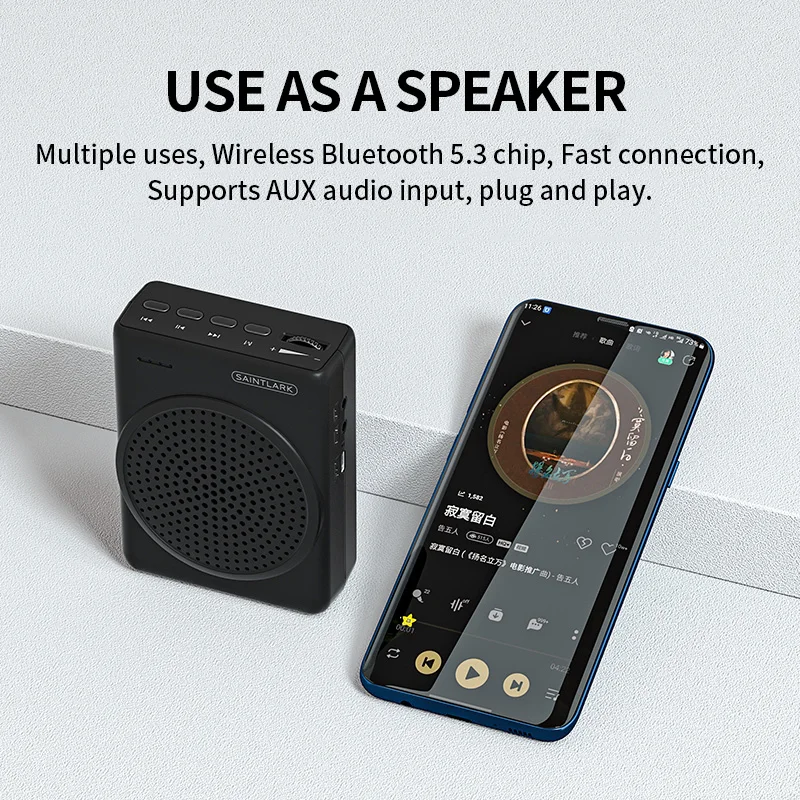
Bluetooth Connectivity: Stream audio wirelessly from devices.
-
U-Disk Support: Play pre-recorded audio files directly.
-
Portable Megaphone Design: Lightweight and easy to carry.
-
Built-in Microphone: Clear voice amplification for presentations.
-
Multiple Uses: Ideal for teaching, tour guiding, and promotions.
Benefits:
-
Boosts voice clarity and volume in various settings.
-
Hands-free operation with wireless audio streaming.
-
Supports multimedia playback for versatile presentations.
-
Compact and user-friendly for on-the-go use.
-
Enhances audience engagement with clear sound.
Additional Information:
The SAINTLARK S22 is a versatile voice amplifier combining wireless technology and portability, making it an essential tool for educators, guides, and promoters who need effective sound projection.
Specification
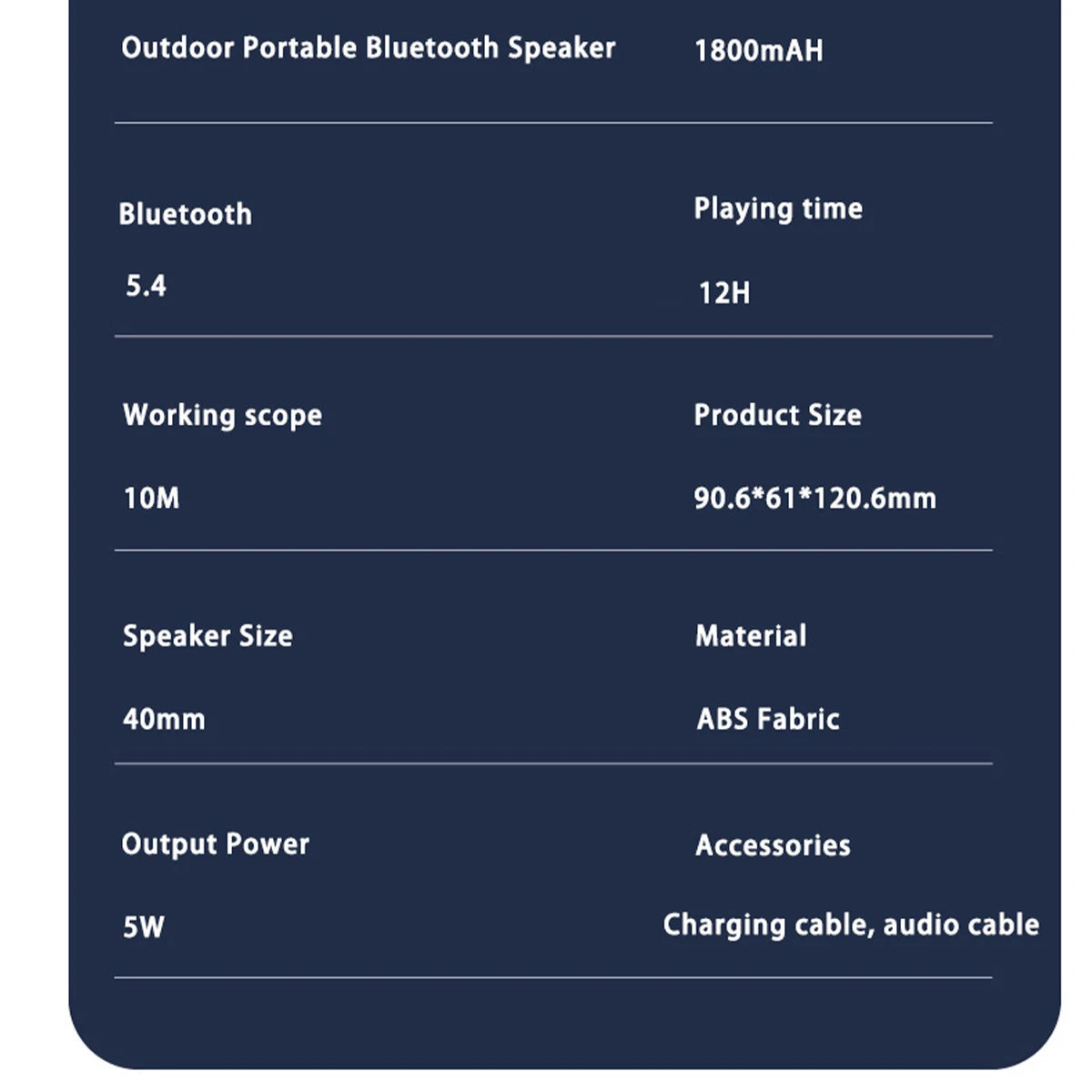
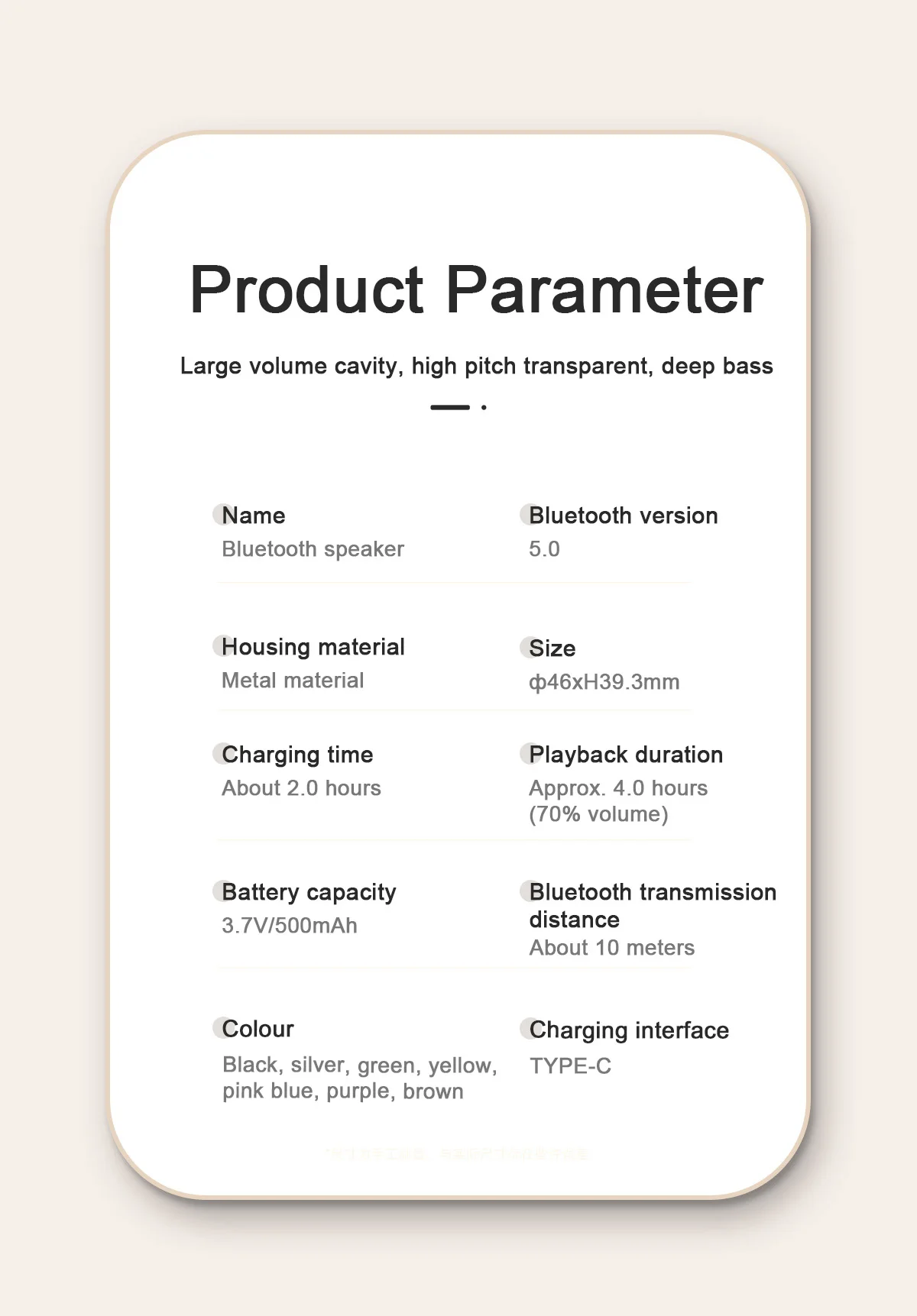
Output Power:≤10W
Frequency Range:100HZ-15KHZ
Signal to Noise Ratio:>70DB
Sound Coverage:300㎡
Battery Capacity:1500mAH
Charging Voltage:5V---1A
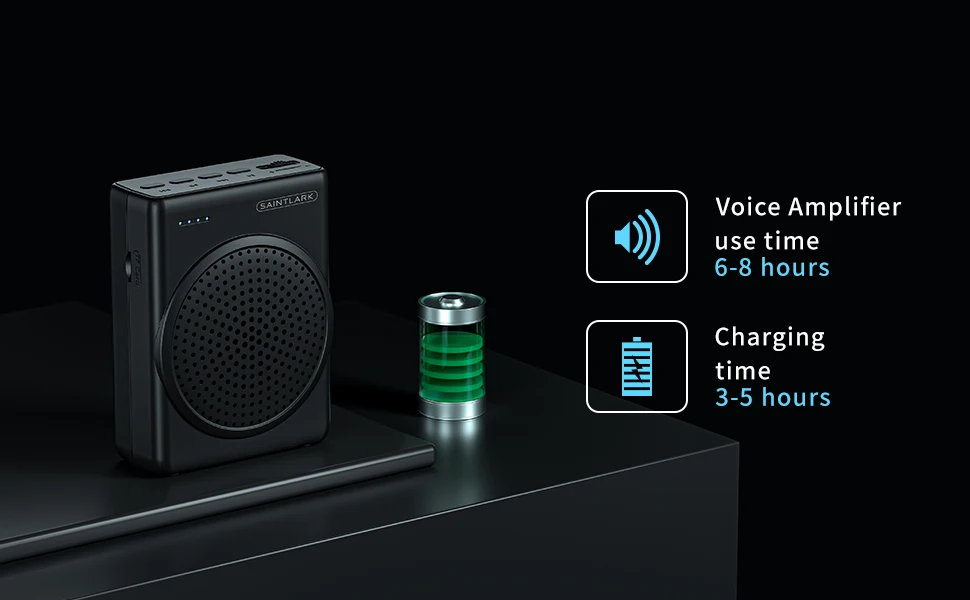
Charging Time:3-4 hours
Playing Time:6 hours
Professionalism
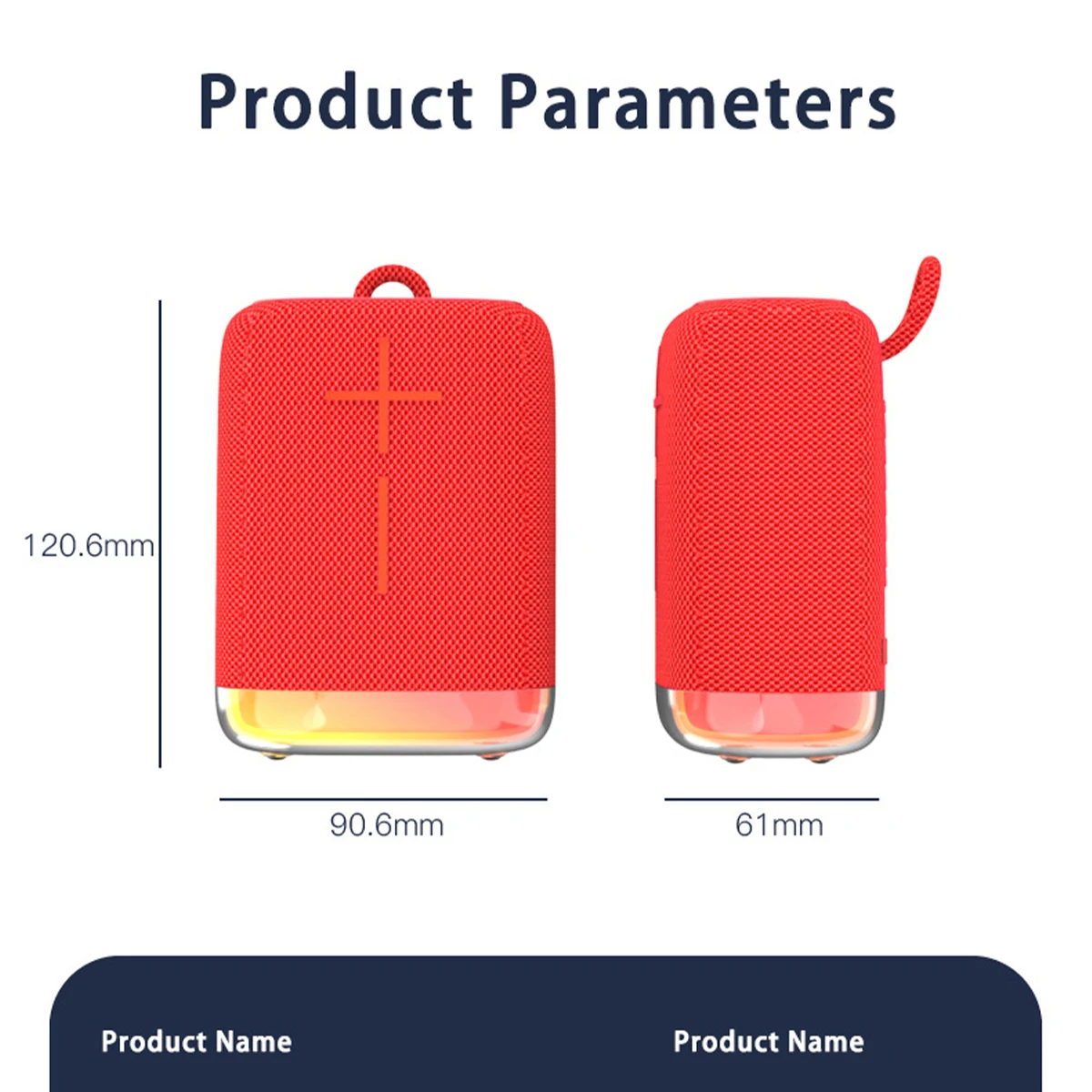
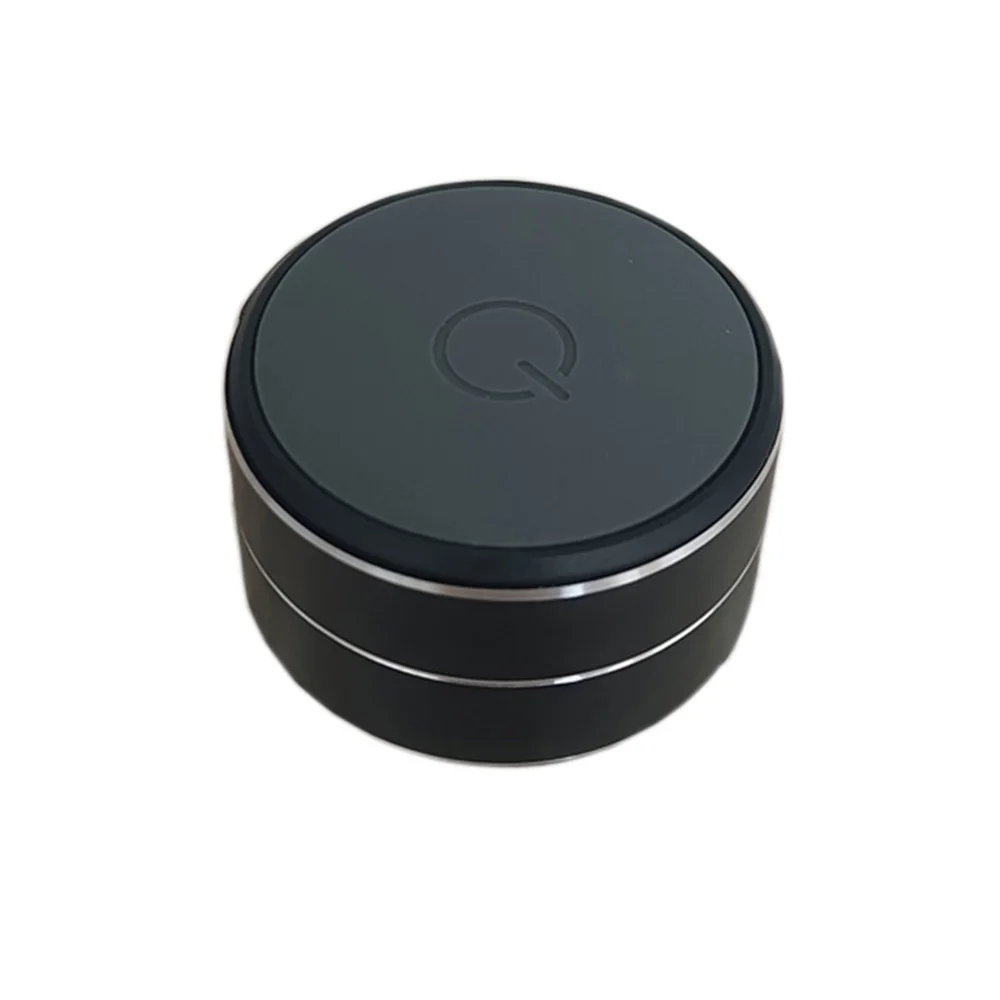
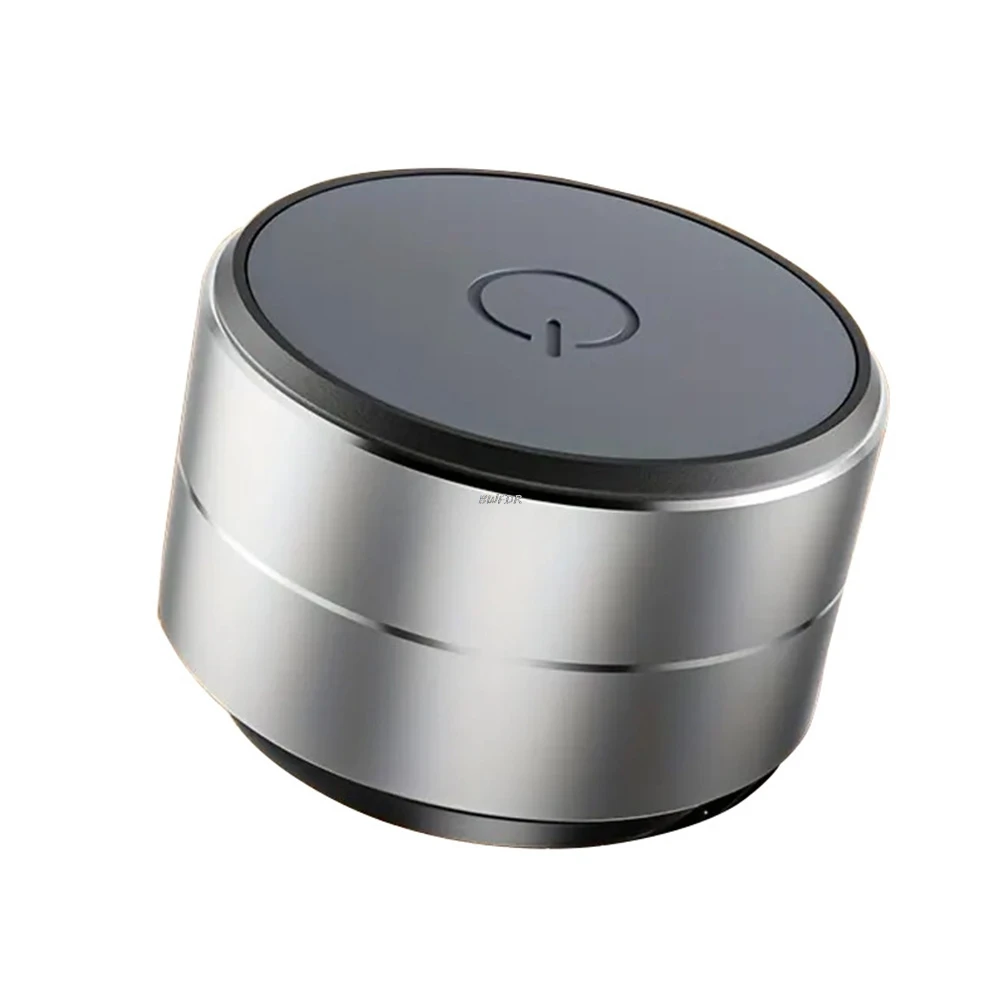
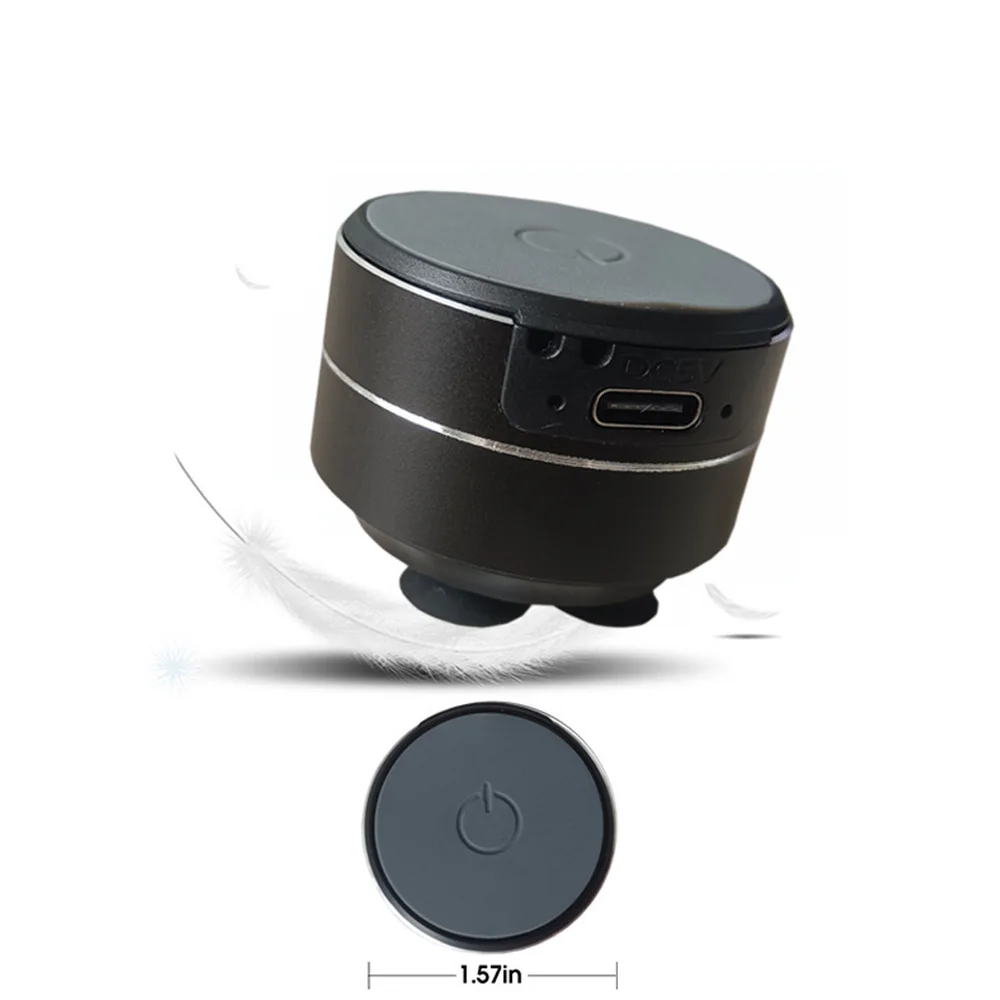
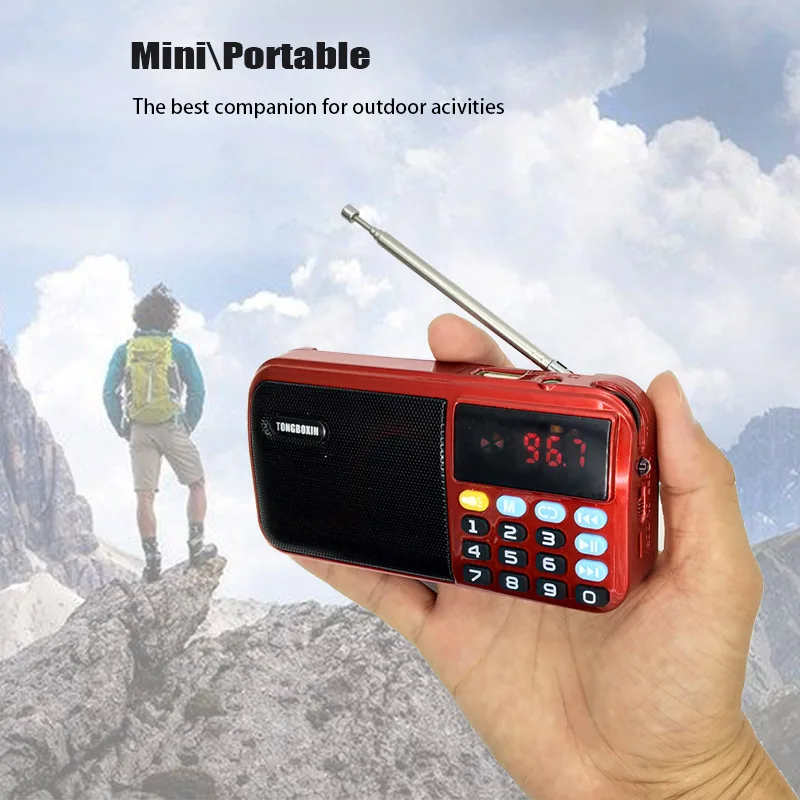
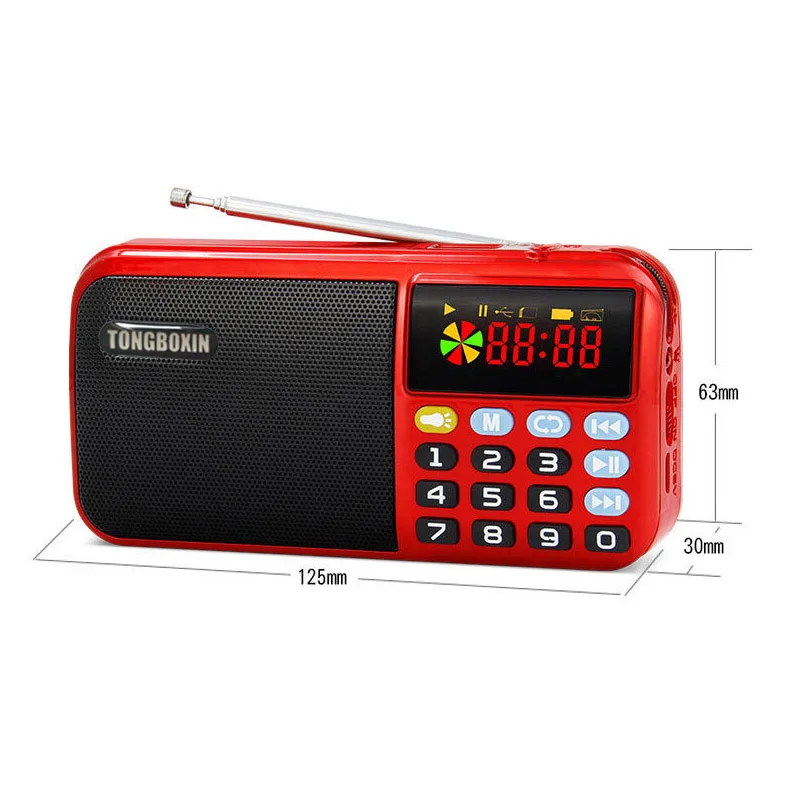
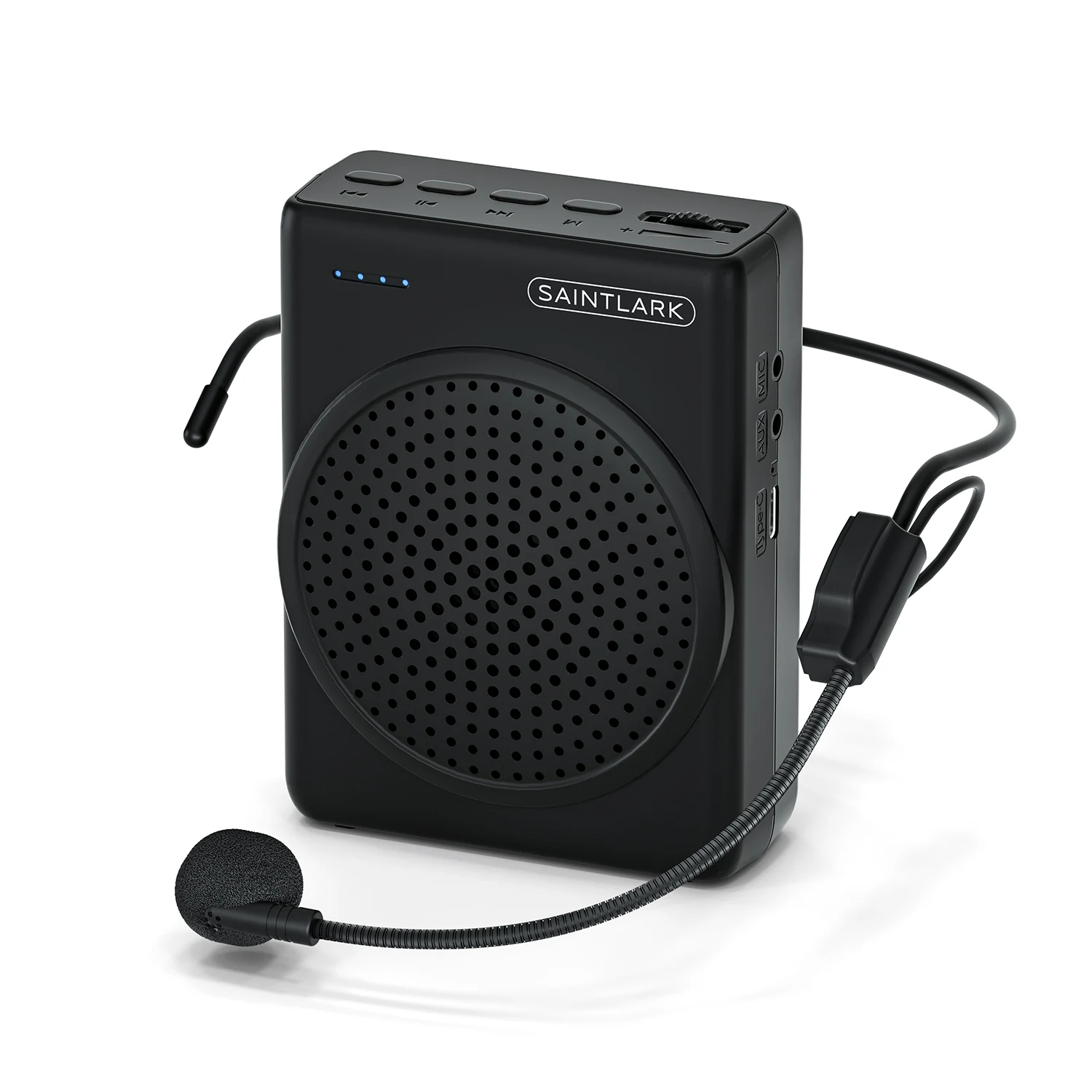
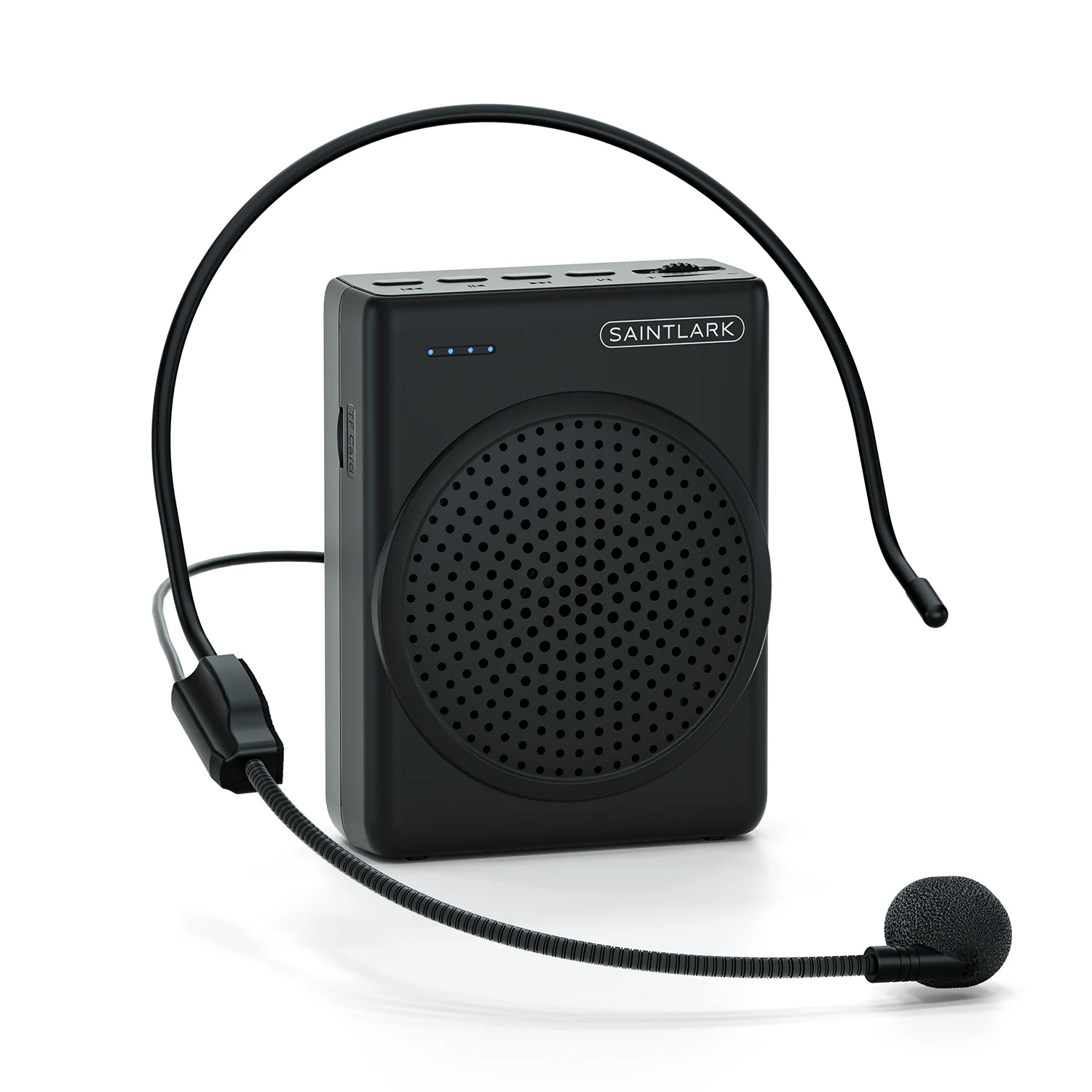
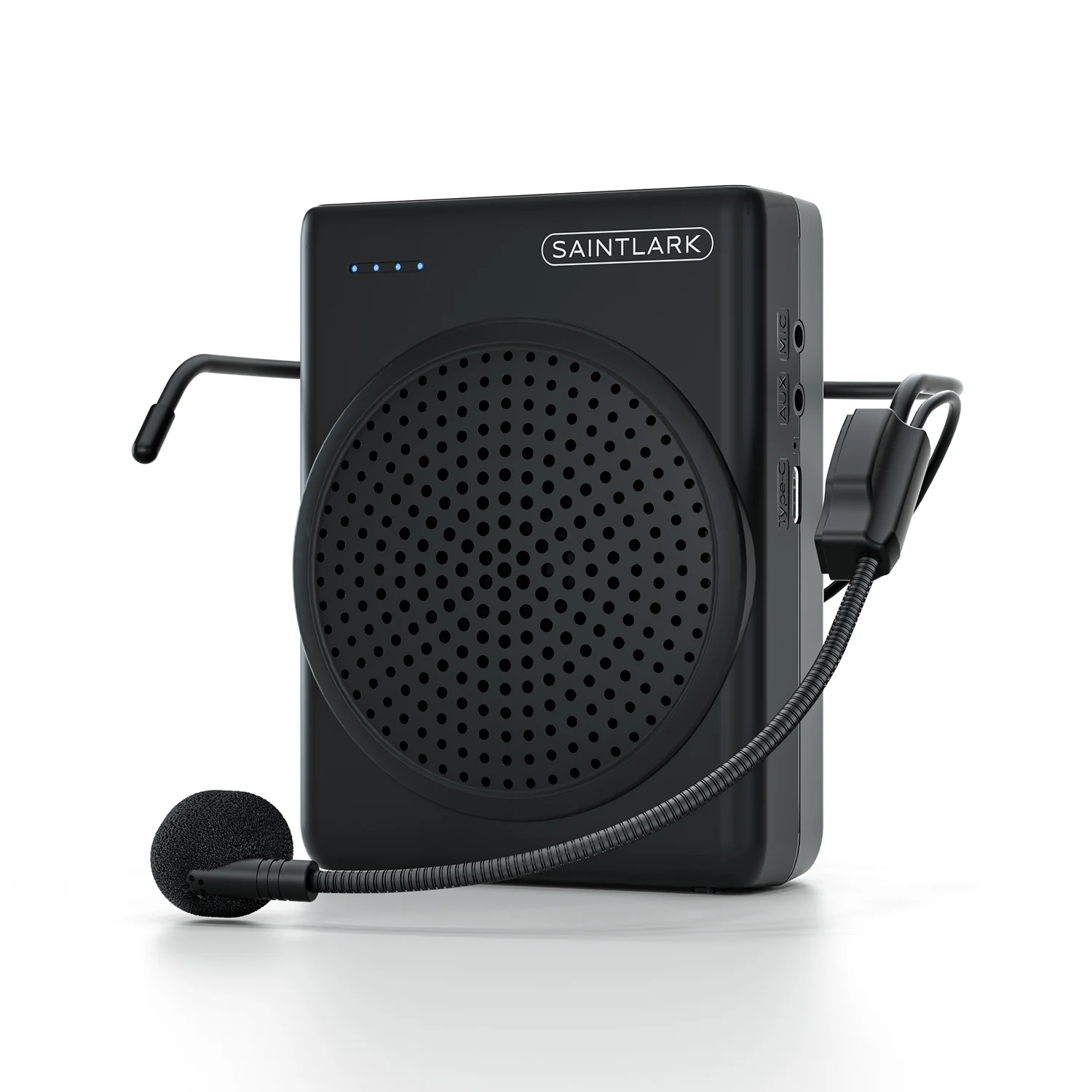
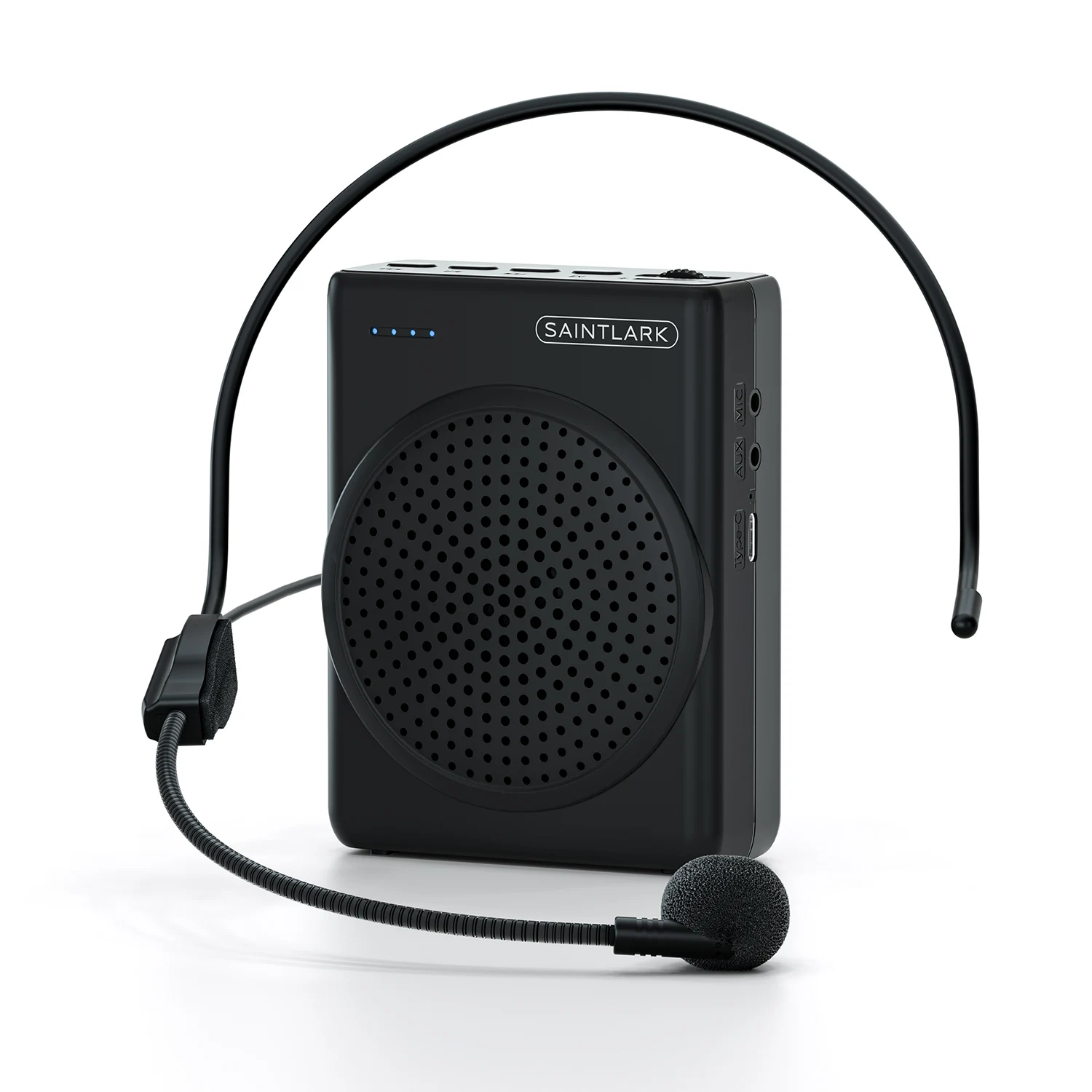
Our is a professional voice amplifier company. S22 with 3-inch portable voice amplifier, light weight (0.6 pounds), small size (4.4×3.3×1.7 inches) environmentally friendly materials (ABS) output power of 10W, you can easily make a speech to 100 people and let them hear clearly.
Features
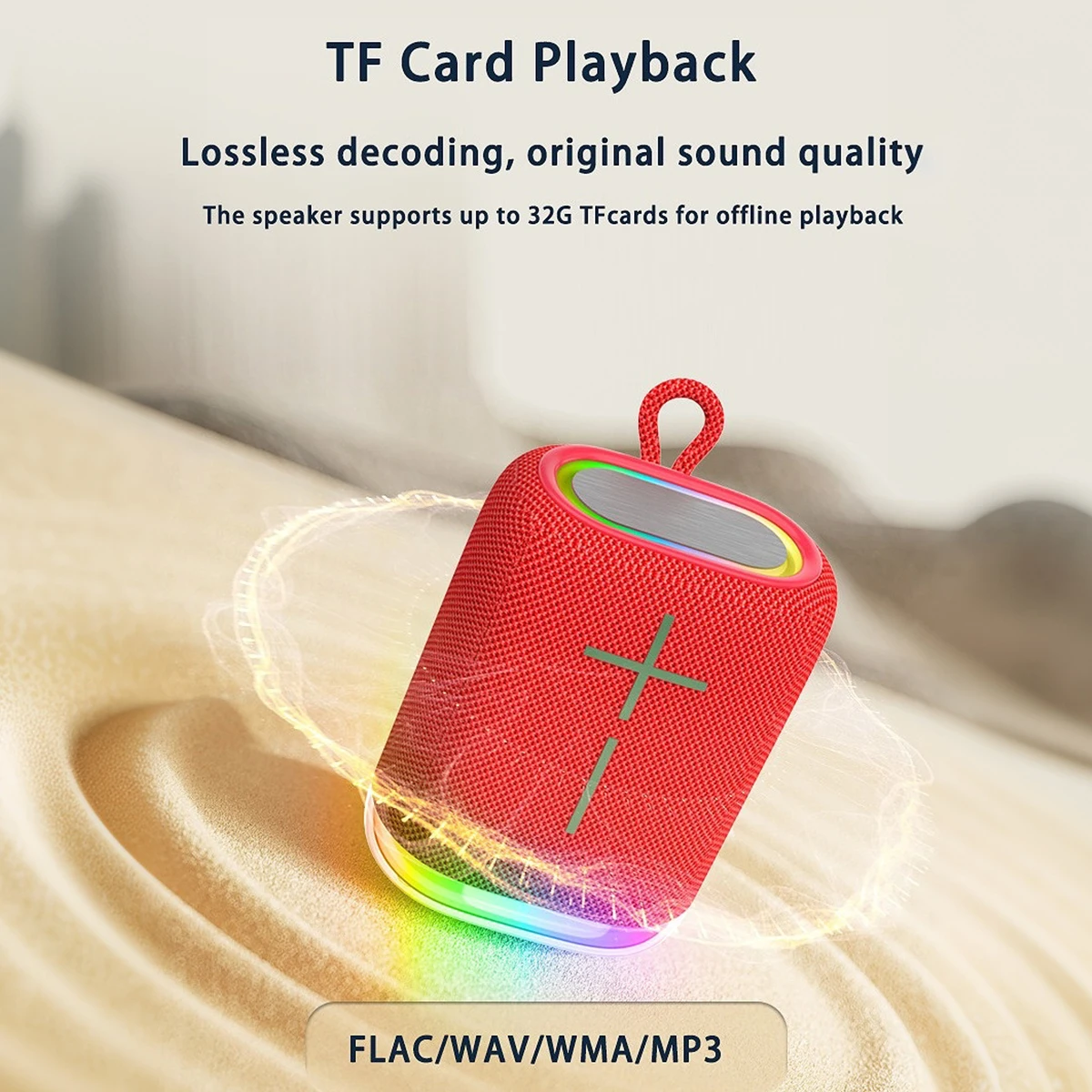
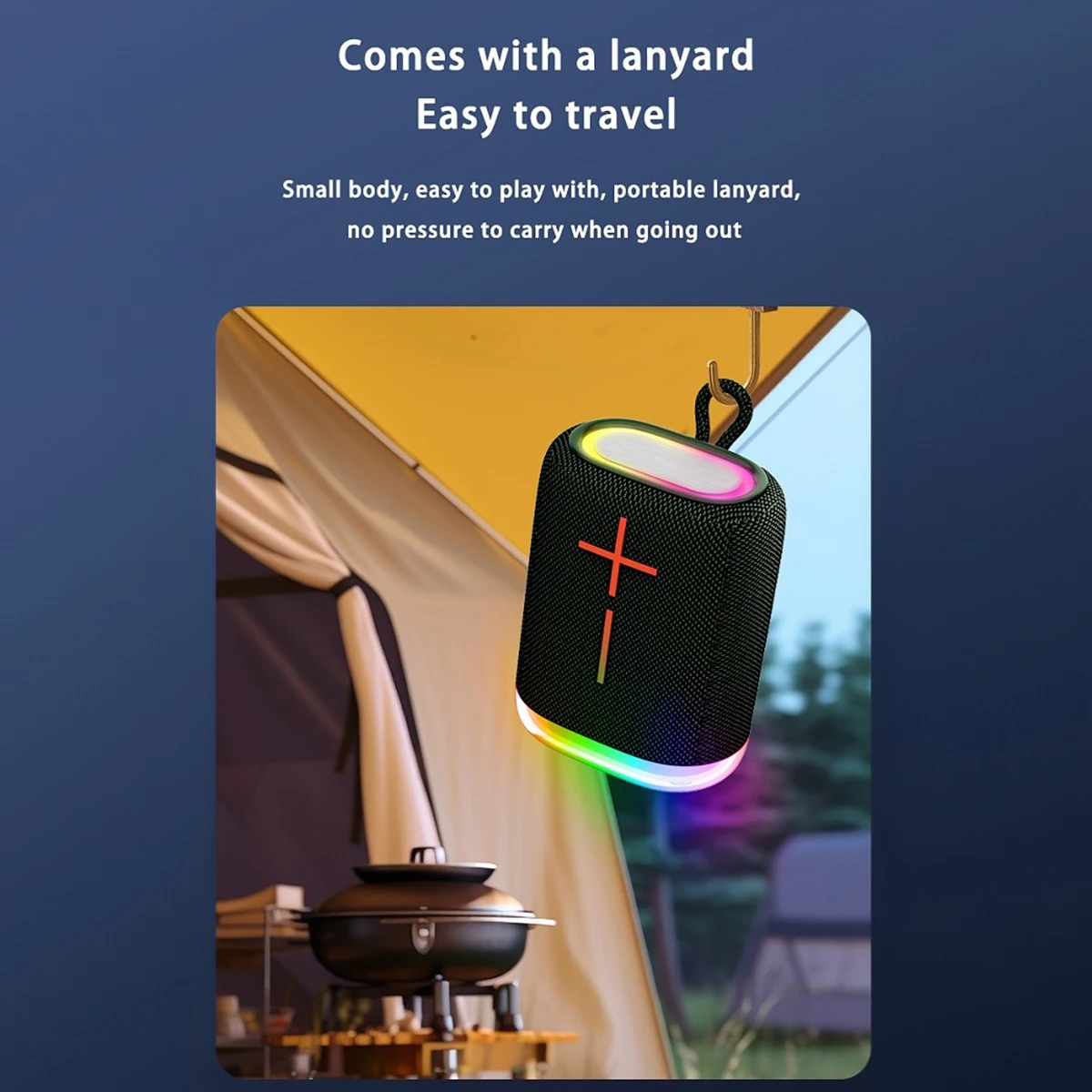
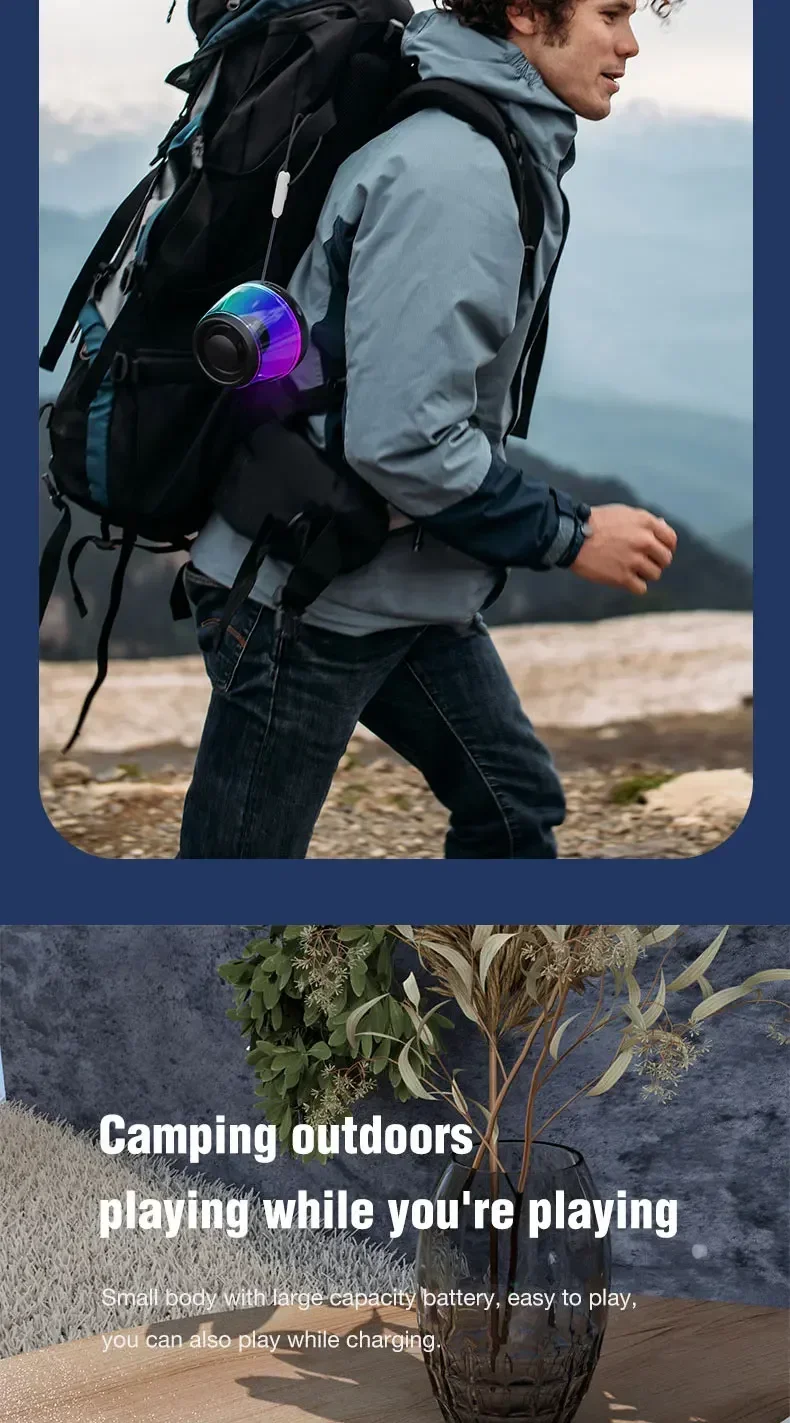
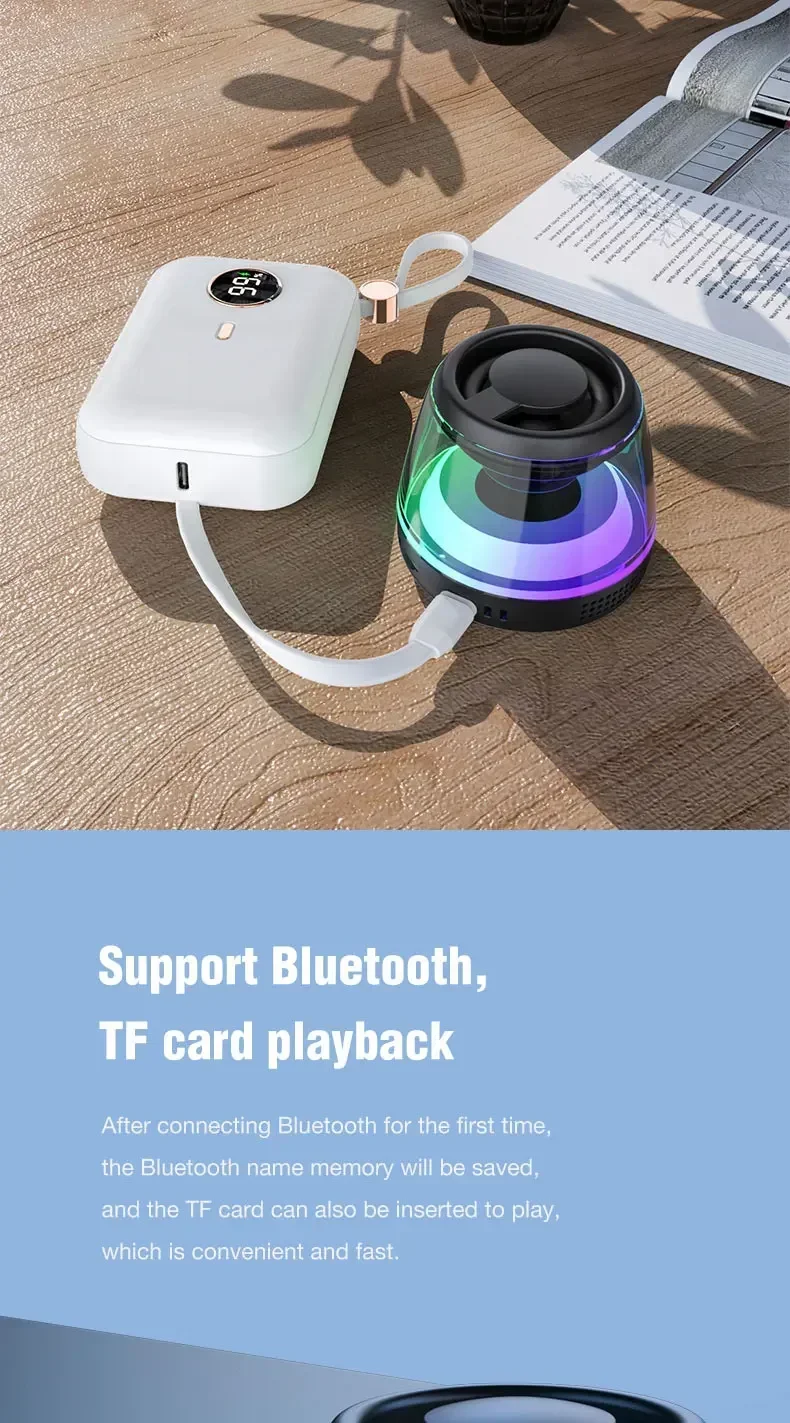
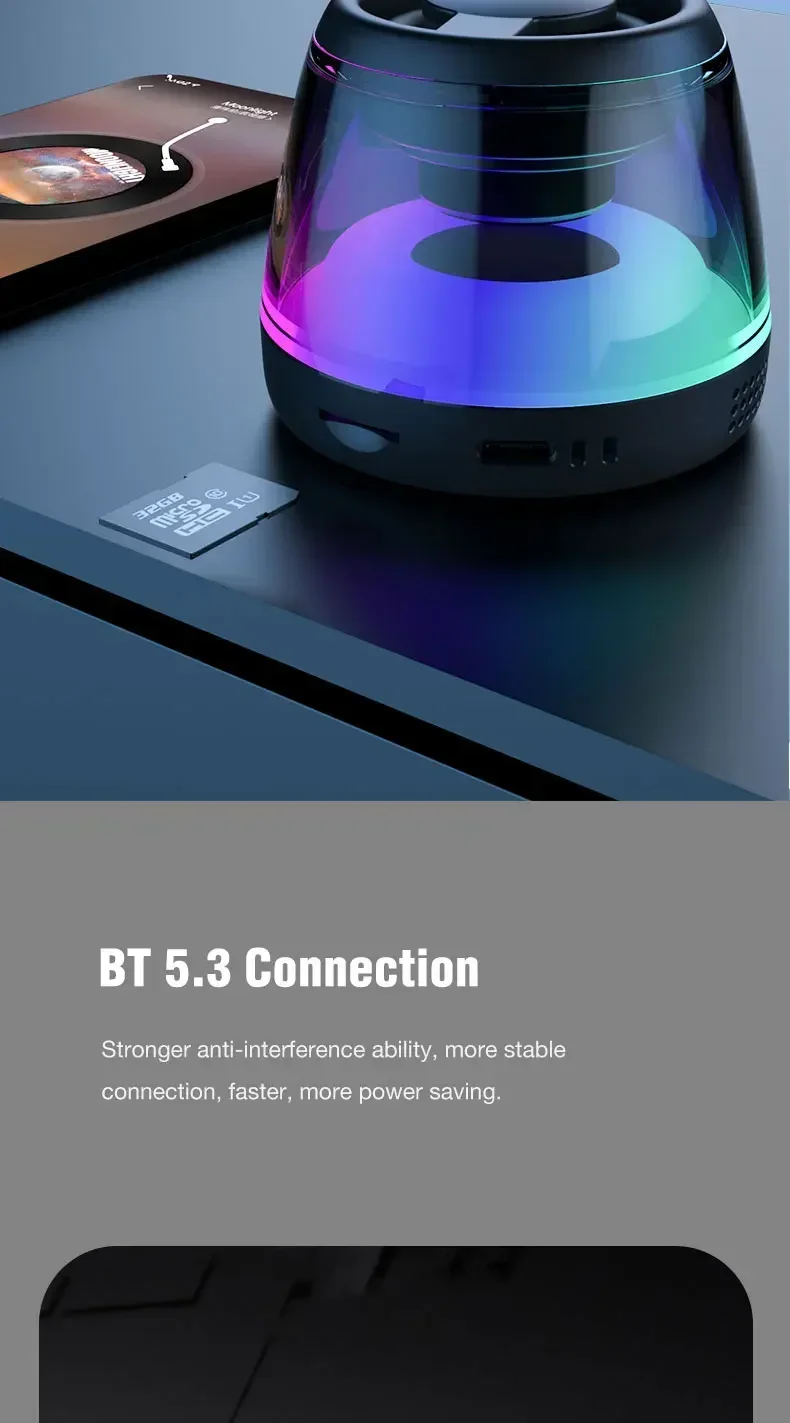
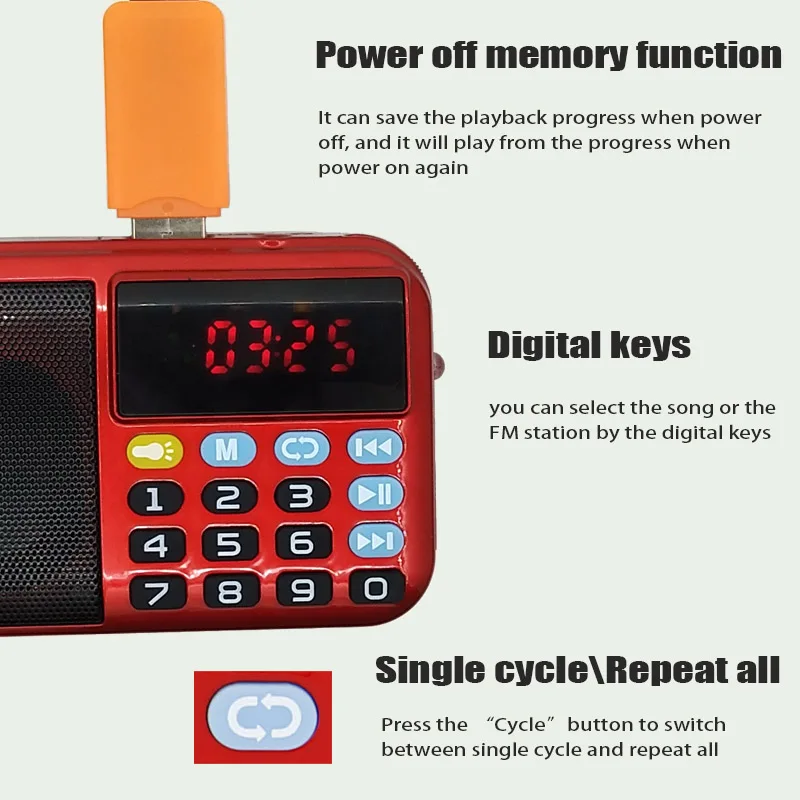
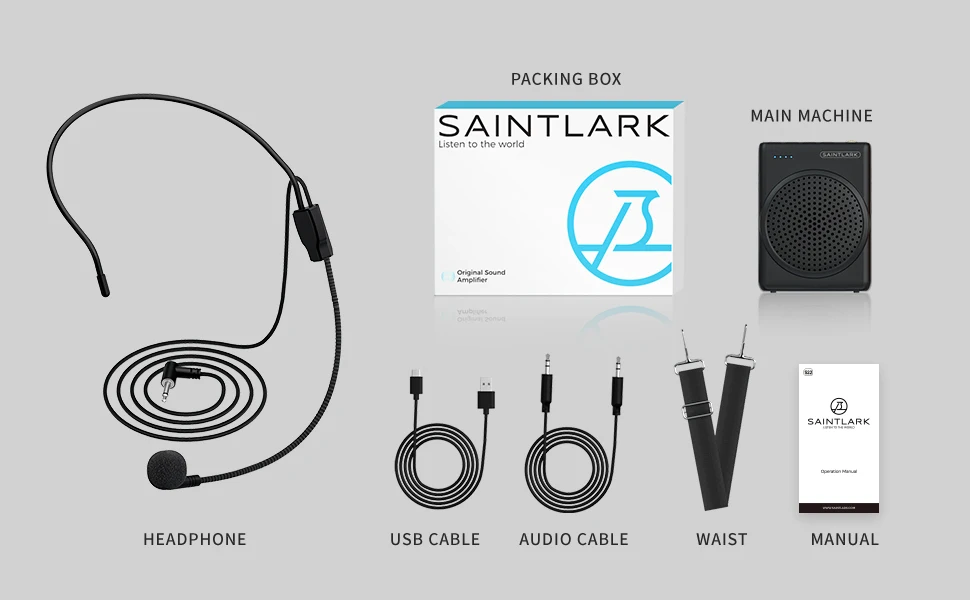
Voice amplifier can be used with the help of a belt hanging around the neck or tied around the waist, support for TF card playback , repeat playback of a single song, loop playback of all the music and switching songs.
Uses
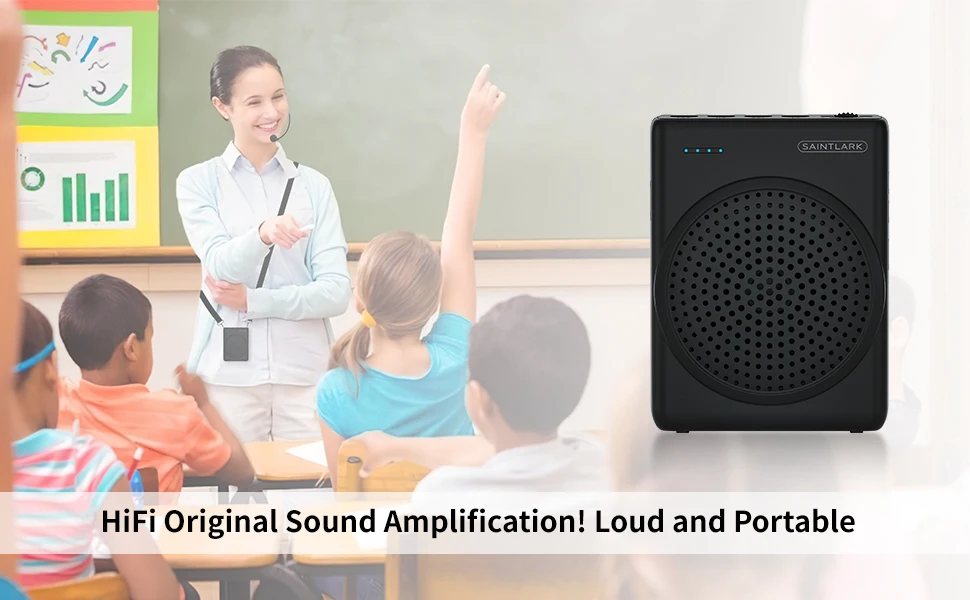
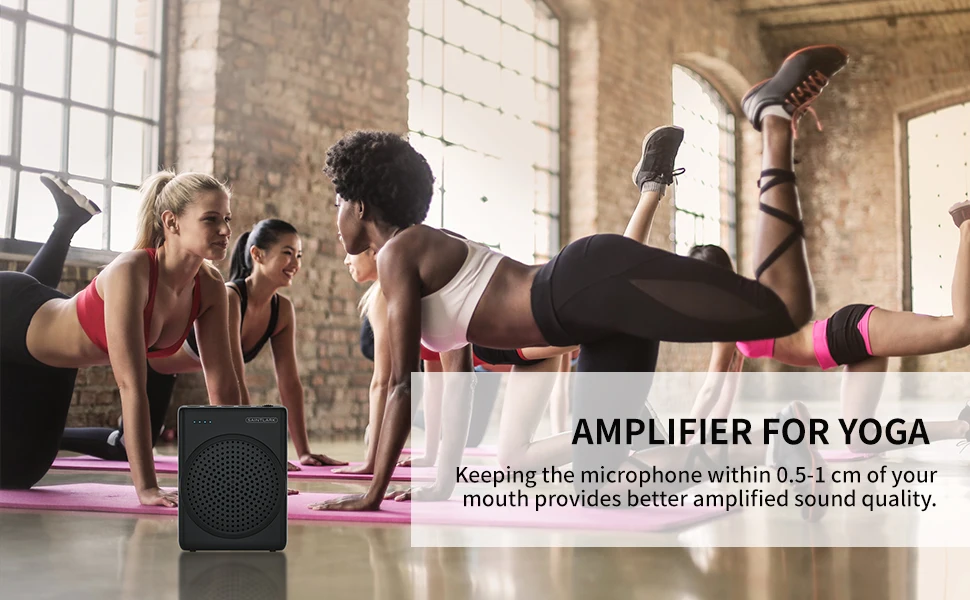
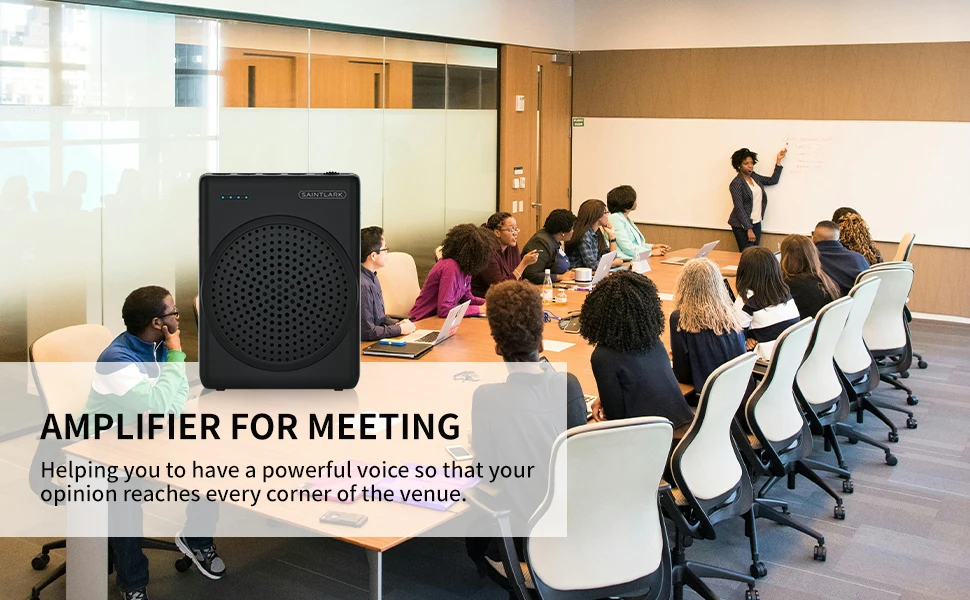
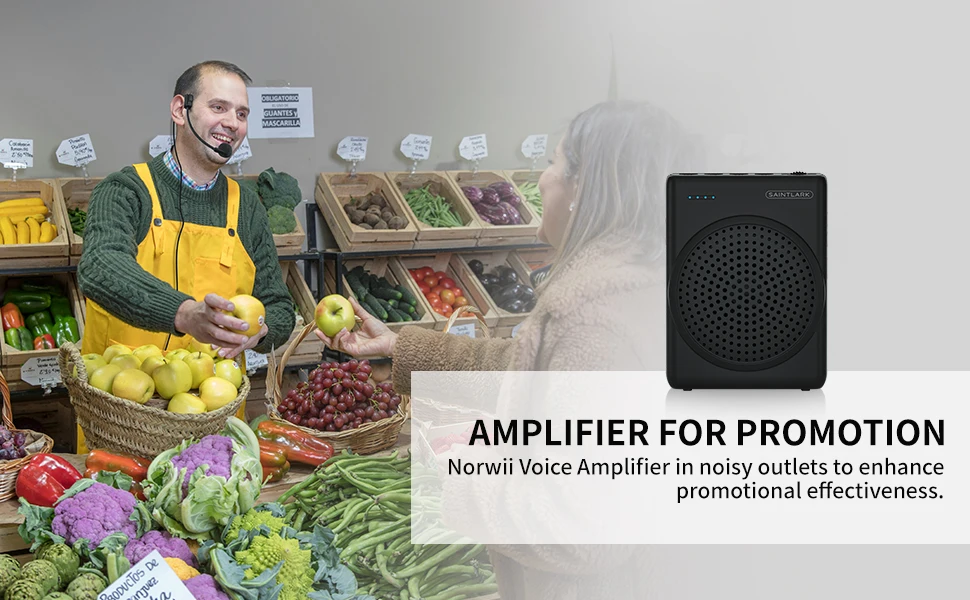
Our voice amplifier for teachers are versatile and can be used for teaching, guided tours, promotion, lectures, conferences and meetings, morning exercise, dance, training.
Battery
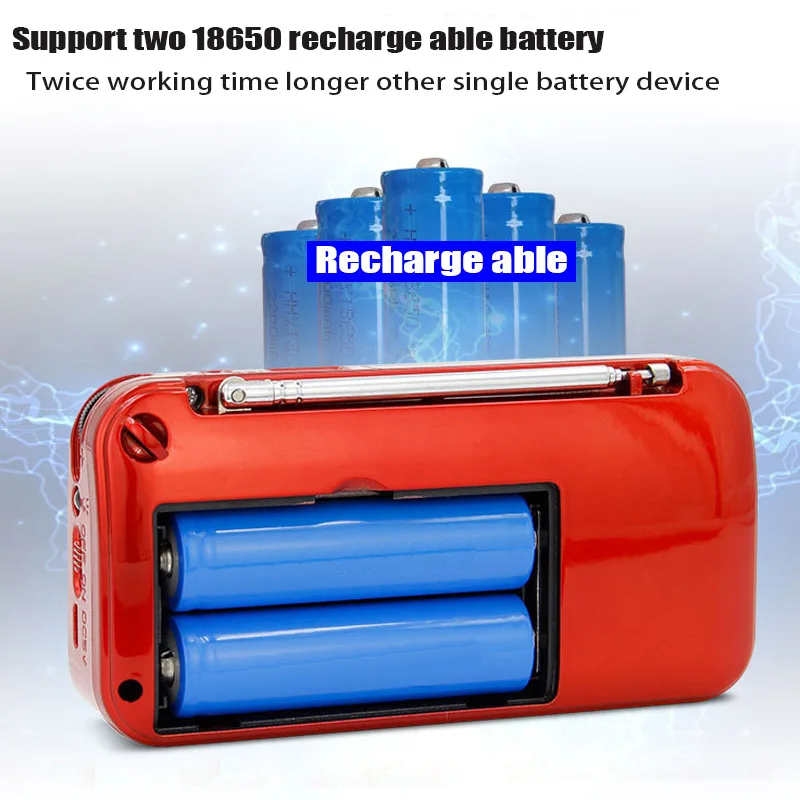
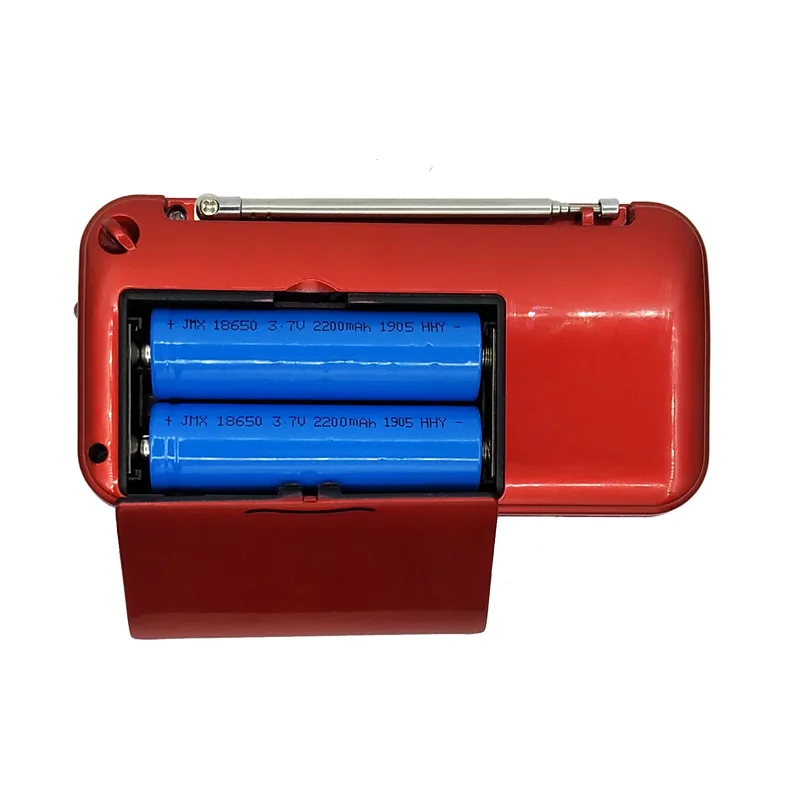
Built-in 3.7/1800MAH rechargeable lithium battery, up to 6 hours continuous working time. You can use Type-c charging to charge this classroom microphone for teachers, it only takes about three hours to recharge, or you can charge it while using it.
Hint
Please charge the amplificador de voz before using it for the first time, and keep a certain distance between the stereo and the teacher's microphone to avoid noise.
How To Clean
1.Turn the amplifier off.
2.disassemble the microphone from the amplifier.
3.use an anti-static soft cloth to wipe down the amplifier and the body of the microphone
4、Do not wipe with chemical substances (such as alcohol,benzene, or other chemical lotions or abrasive cleaning agents).
Directions for use
·When the machine is not in use, please charge it every two months. Frequent charging without using the machine may accelerate battery aging.
·Keep away from magnets and objects that may be distorted by magnets, such as bank cards.
·Please store the machine at room temperature, away from high temperature or heat sources.
·Please do not disassemble this product without authorization,or you will not be able to enjoy our free warranty service.
·Please comply with local government regulations and rules,and avoid using this product at times and places where the use of this product is prohibited or may lead to safety risks.
How to connect MIC
·Connect the microphone connector on the microphone to the microphone port of the amplifier.
·For optimal results, place the microphone between 1/3" and 2/3" of an inch in front of the user's mouth.
TIP: Avoid plugging and unplugging the microphone frequently . This action can loosen the microphone port and result in poor contact.When the microphone is plugged into the A565, ensure that there is no pressure applied against the microphone connector.
Using USB/TF card
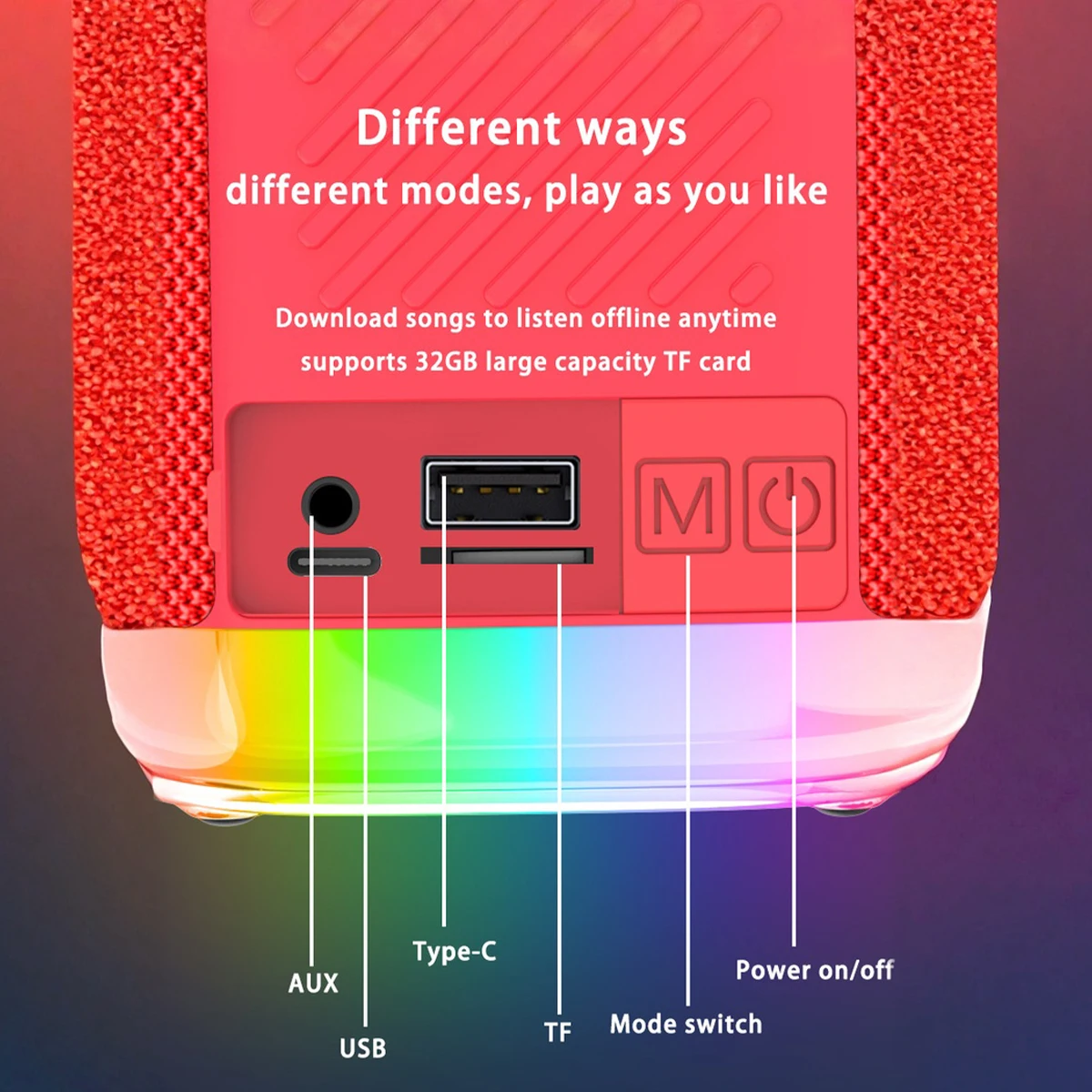
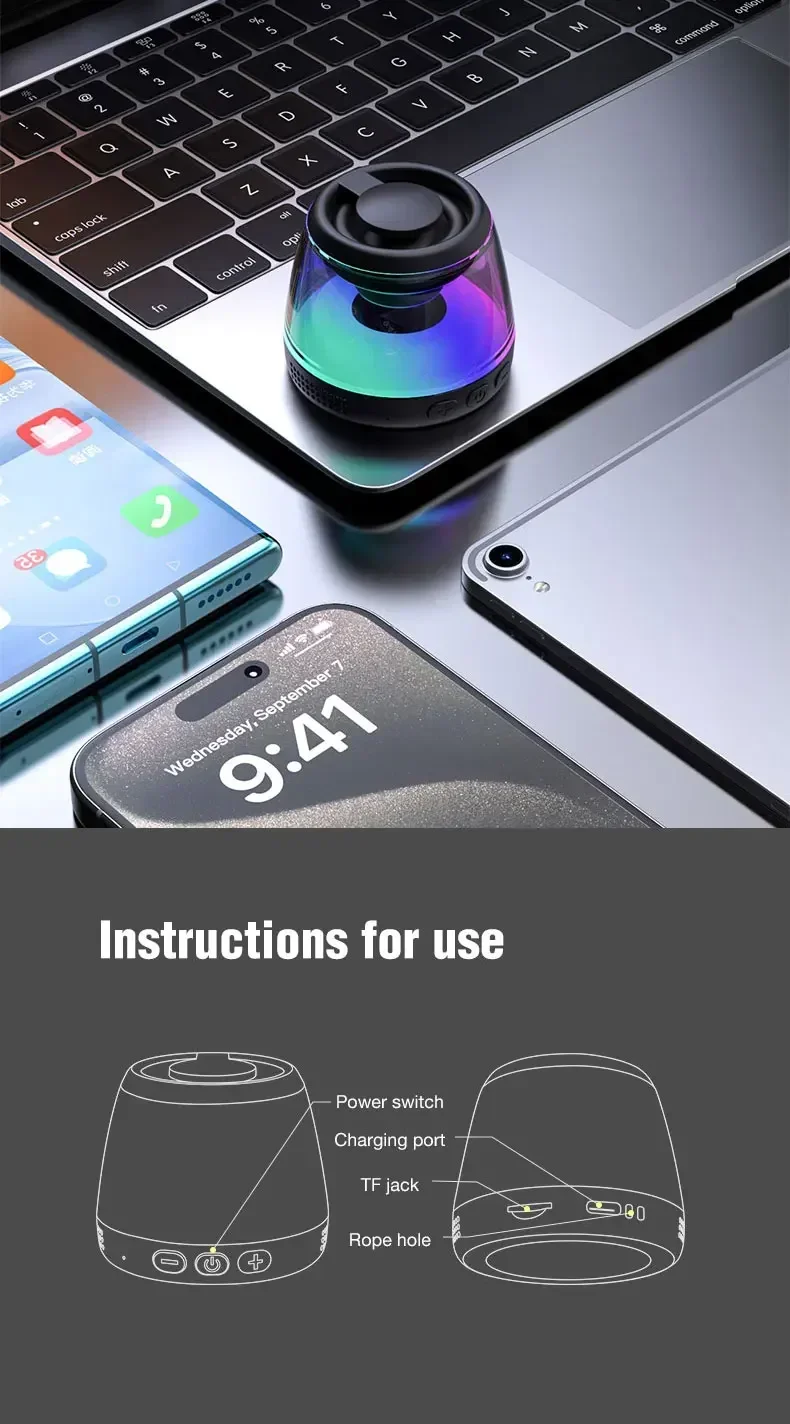
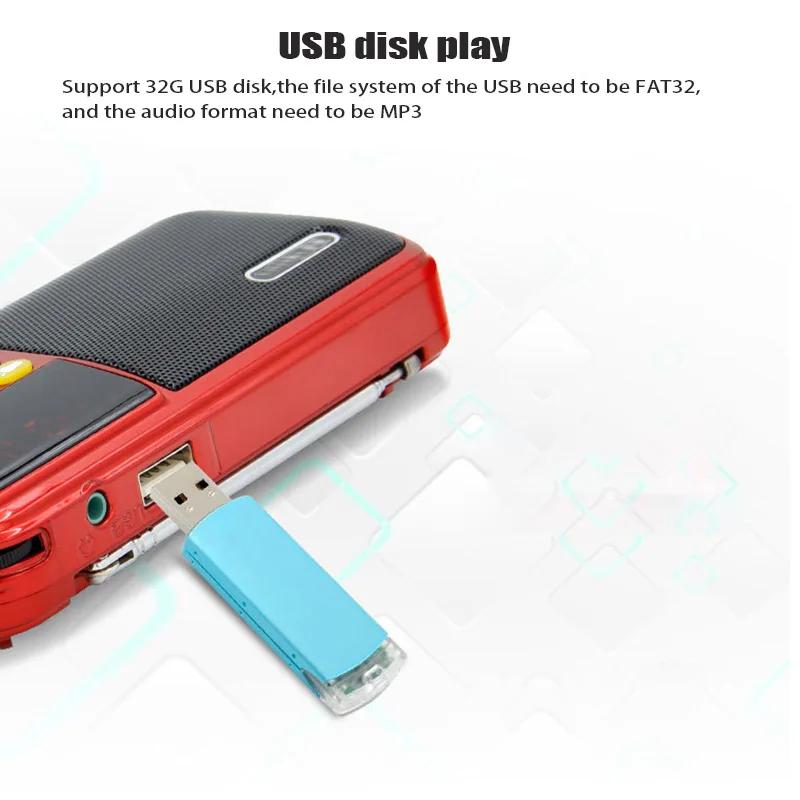
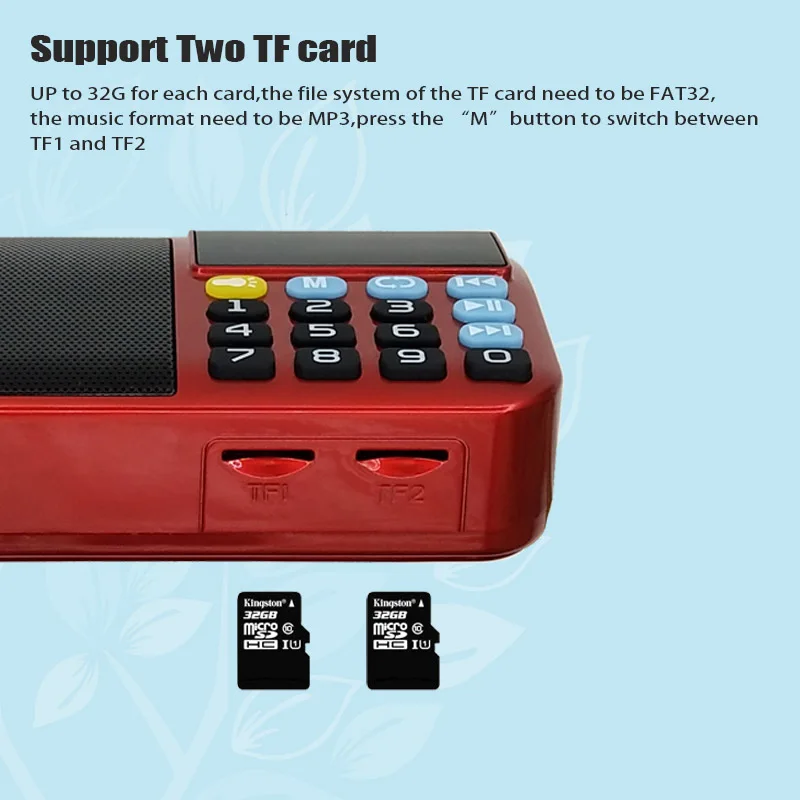
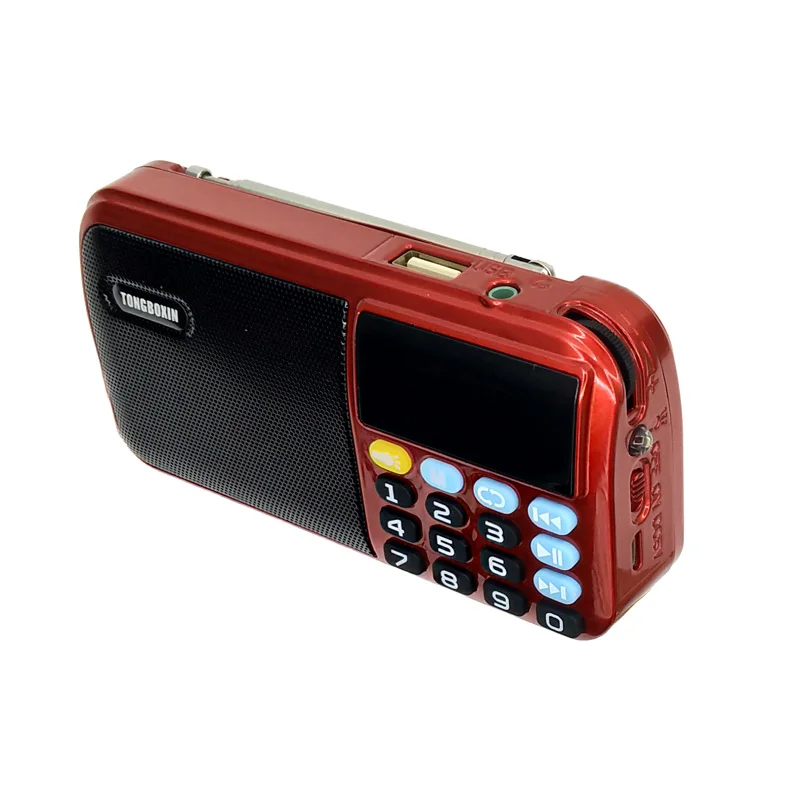
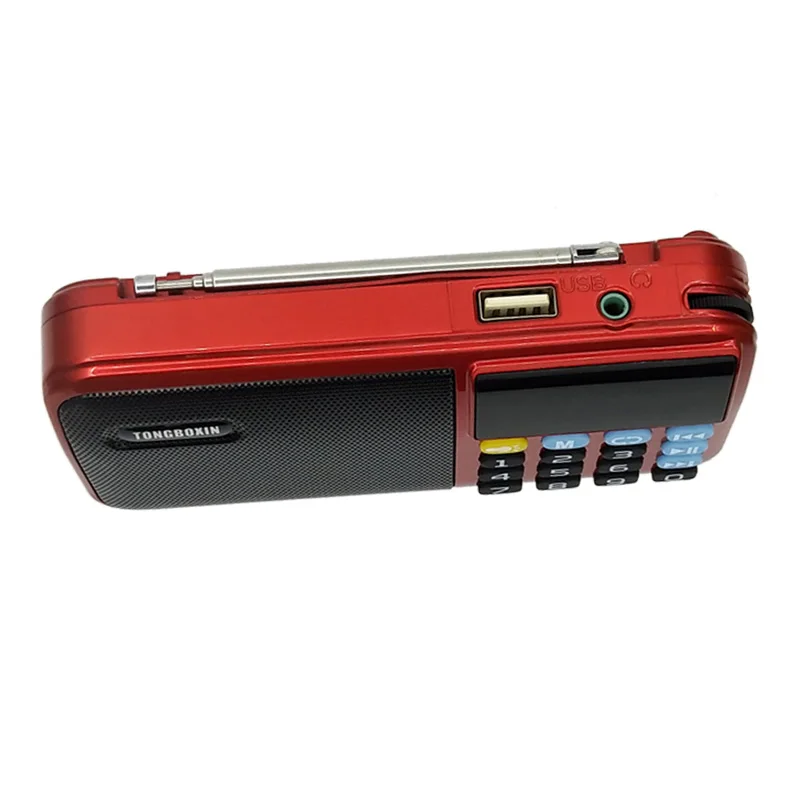
Connect a USB Flash diisk or TF card (not included) to the USB/TFcard slot of the amplifier.
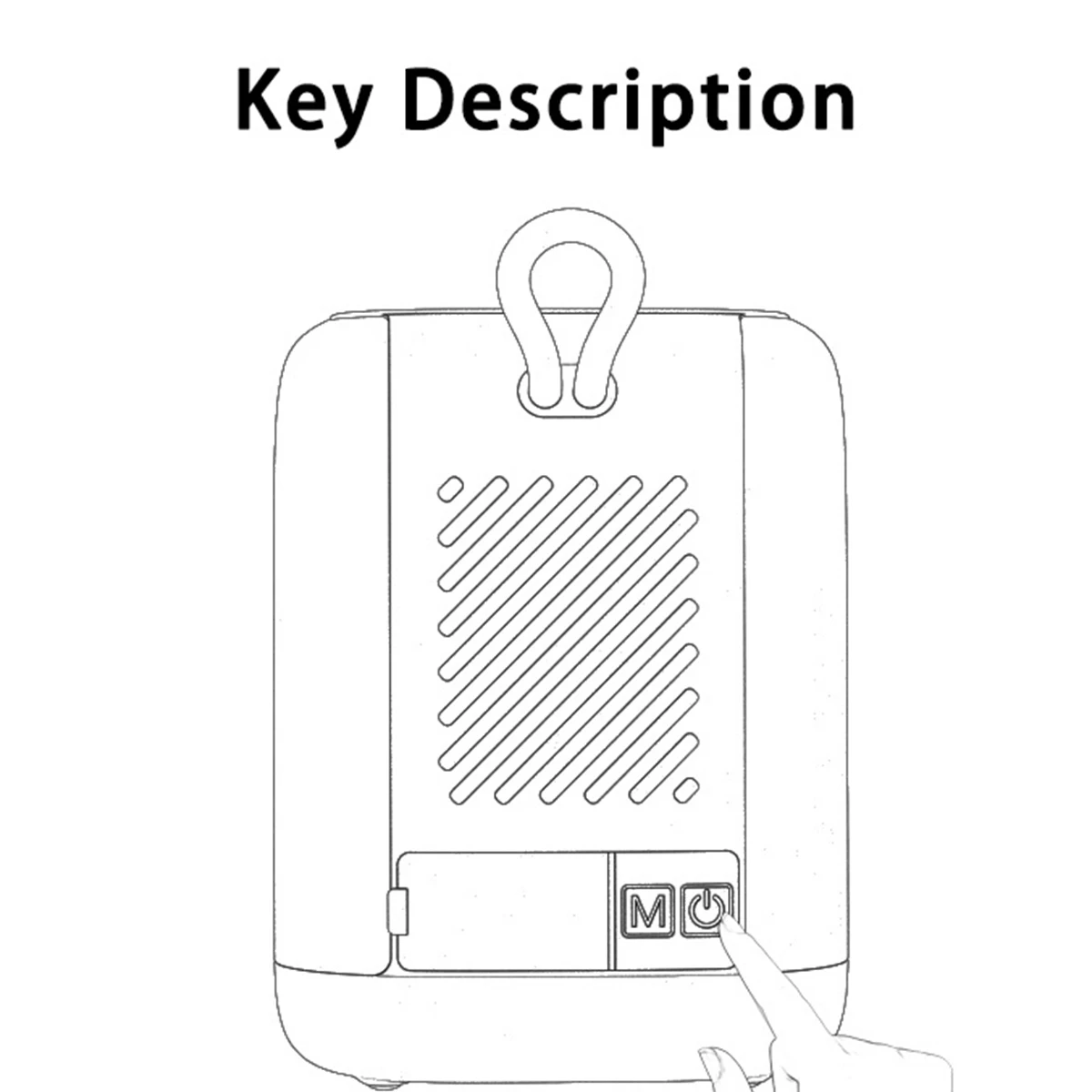
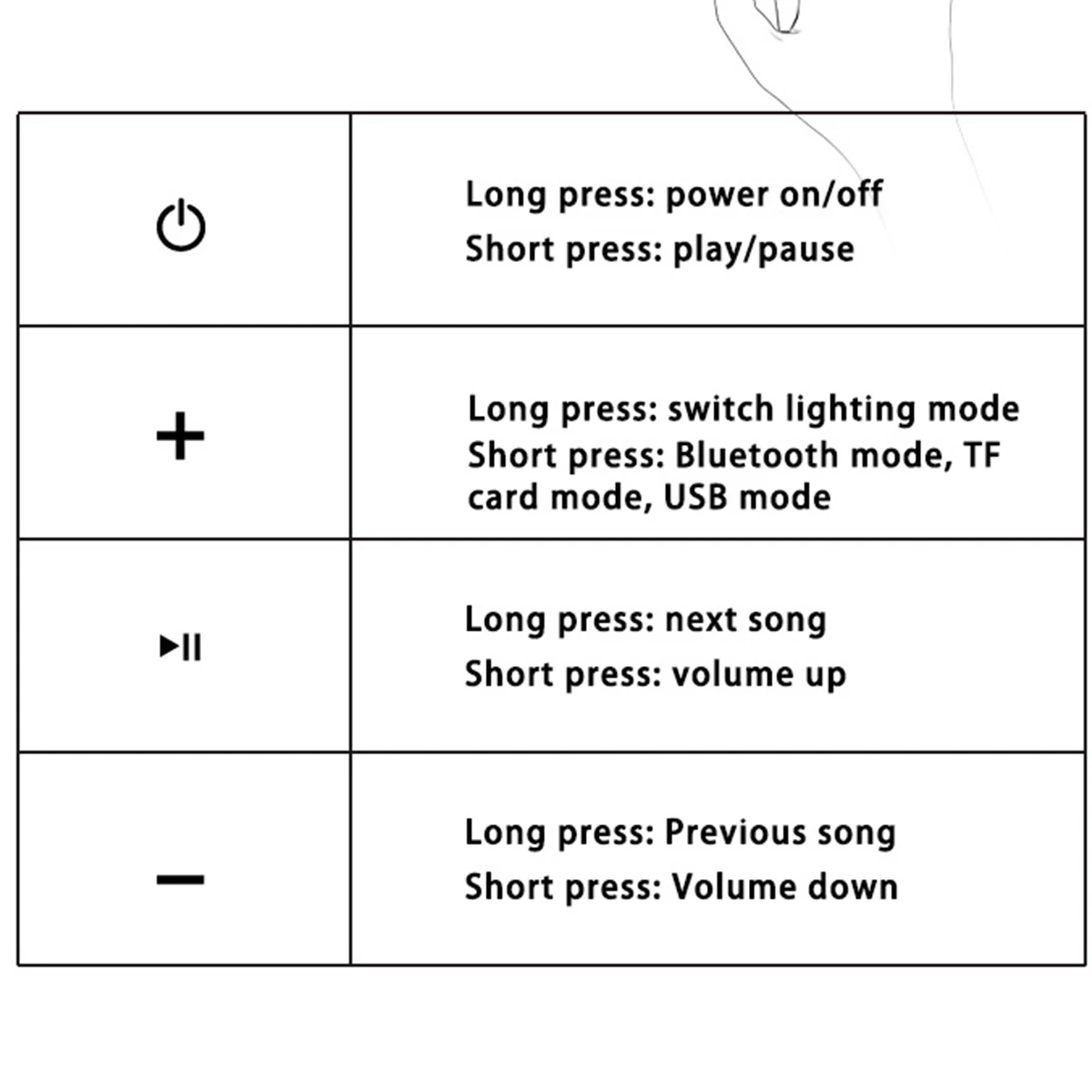
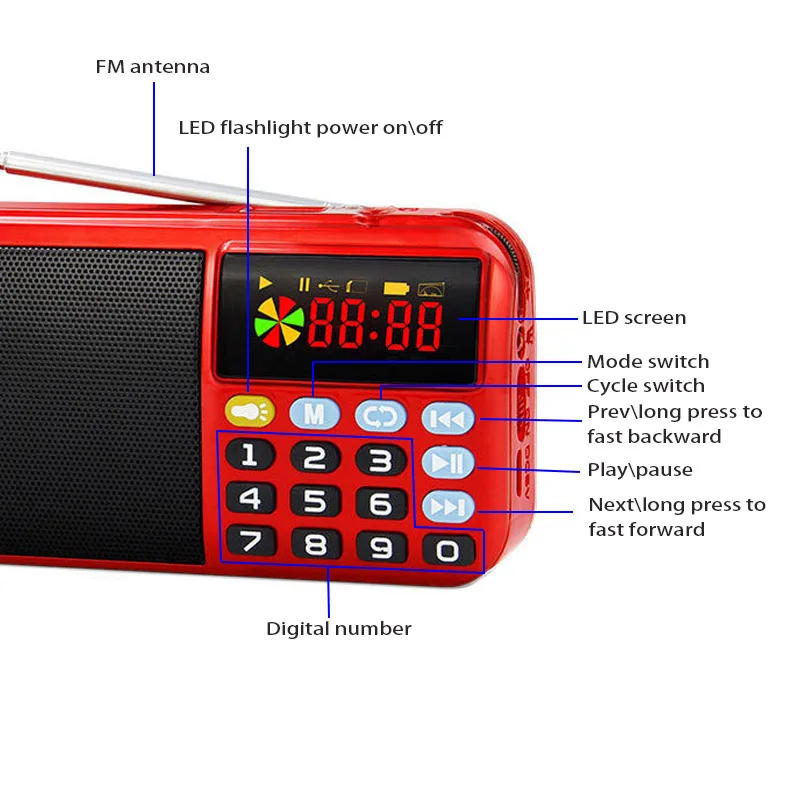
Press the “M" key to switch the amplifer to TF card play mode, or to USB mode play modle, as needed.
Short press the play button to begin playing from your recorded media.
How to charge
INOTE: It is highly recommended that you fully charge the S22 overnight (3-4 hours) ffirst-time use, or if amplifier has not been used for more than 21 days.
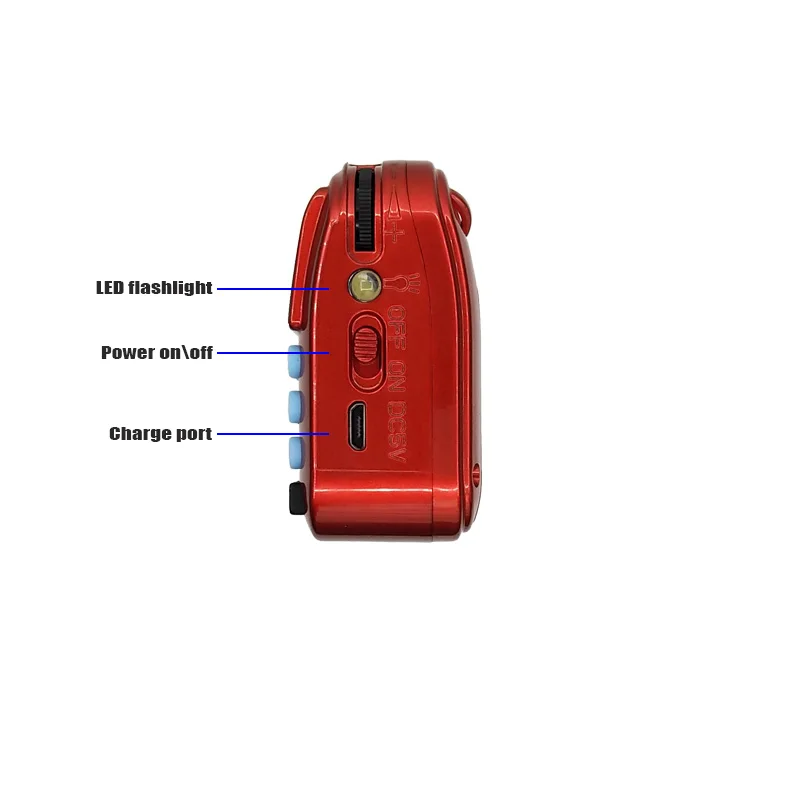
Plug the USB-C end of the charging cable (included) into the charging port of the amplifier.
Plug the type A end of the charging cable into a computer or laptop's USB port, or a USB Type A charging block (not included).
Do not use the amplifier while charging.
NOTE: PC / laptop ports output 1A of power and will take longer to charge the S22. For quickest charge times, use a 2A or 3A charging adapter (not included).